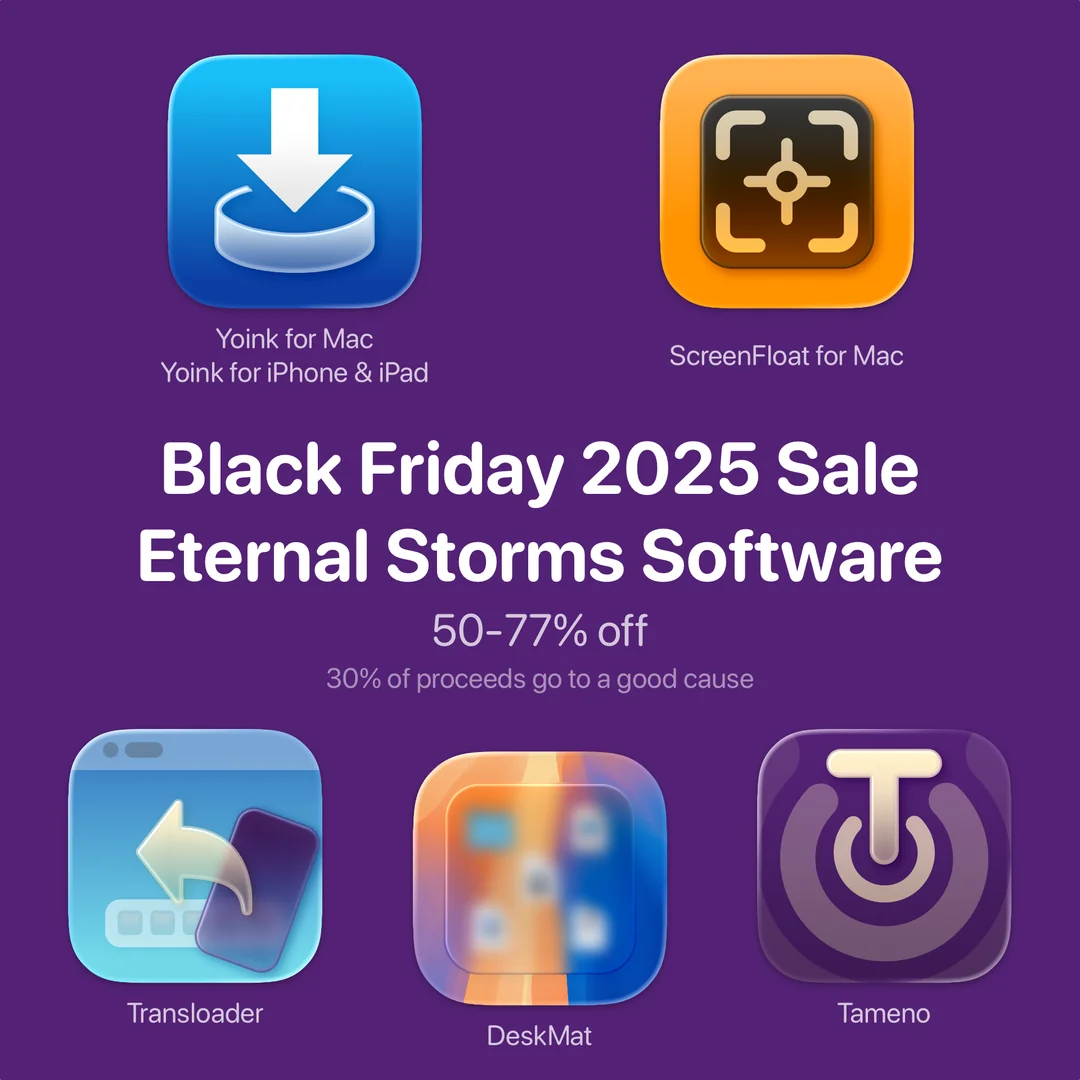
The sale was a great success: Because of your generous participation in the sale, we raised €766,43 for this cause.
❤️ From the bottom of my heart, thank you ❤️
Because it’s a larger sum than I had anticipated, I decided to: 1) Donate €100 to the St. Anna Children’s Hospital itself, for helping provide the best possible care for patients and their families. Amount already donated; proof available upon request 2) Donate €383,43 to the St. Anna Children’s Cancer Research Institutenow. Amount already donated; proof available upon request 3) Donate the remaining amount (€283) to the St. Anna Children’s Cancer Research Institutein the new year. I’ll update this post once I’ve donated the amount
⚡️ Thank you again for helping fight cancer. And I do hope you’ll enjoy my apps!
It’s been a while since I last participated in a Black Friday deal, so this year’s a doozy. All my apps are 50%-77% off from November 27th, 2025 to December 1st, 2025.
Yoink for Mac is a temporary place for your file drags. Whether you want to collect images from a website, text snippets from a document, or move files around in Finder, Yoink offers a “shelf” you can place them in so you can move freely to the files’ actual destination. It can hold virtually anything you can drag and appears whenever you start to drag something. It’s also highly customizable to fit your needs.
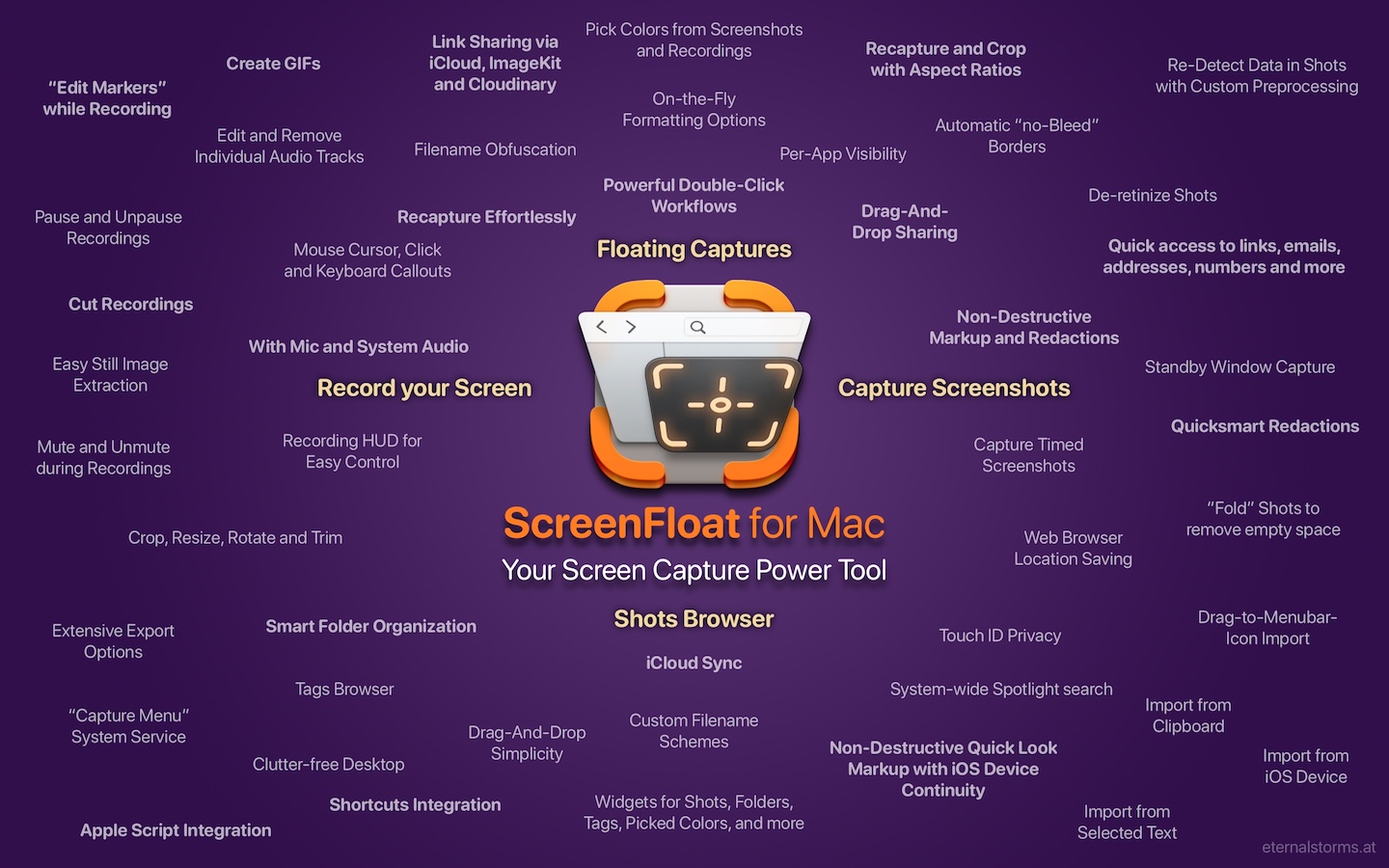
ScreenFloat is your Mac’s Screen Capture Power Tool. Capture screenshots and recordings that float above other windows, allowing you to reference anything on your screen, anywhere. It’s like Picture-in-Picture, only for screen captures. It keeps your Desktop clutter-free, as every capture you make is stored in its Shots Browser, where you can manage, organize and find your shots. They’re also synced across your Macs over iCloud. Easily copy the non-copyable, as ScreenFloat recognizes text, barcode and faces in your shots, which also allows you to effortlessly redact sensitive parts of your screenshots. Add non-destructive annotations, redactions and markup, crop, “fold“, resize, or de-retinize your shots. Quickly pick colors. Mute, trim and cut your recordings with the aid of “edit markers” you can place while recording. Create shareable and embeddable links for your captures using iCloud, ImageKit.io or Cloudinary.com. And so much more.
With Transloader, you manage downloads on your Macs, remotely from your iPhone, iPad, and other Macs. With powerful Link- and File Actions, you have total control over what happens with links you send to your Macs.
DeskMat covers your messy desktop with the click of a button. For nicer streams, video conferencing, and distraction-free work!
6. Tameno for Apple Watch, iPhone, iPad, Mac and Apple TV (50% off) 🔗
Keep your peace of mind, while Tameno keeps the pace. With auto-repeating “tapping” timers, you always know when to move on to the next step. Be it during exercise, workout, stretching, brushing your teeth, watering your plants, doing yoga or meditation, this versatile utility keeps on tickin‘ .
Yoink for Mac, ScreenFloat for Mac and Transloader are also part of Setapp Yoink for Mac is part of Bundlehunt’s 2025 Black Friday macOS Bundle There is no difference in functionality between the different versions of the apps
The same goes for Yoink for iPhone and iPad – it shines on iOS 26 and will continue to be your file and snippet companion, and versatile clipboard monitor!
ScreenFloat brings its screen capture all-rounder companion powers to macOS Tahoe. From a new Shots Browser design for Liquid Glass to useful Control Widgets that give you quick access to ScreenFloat’s capture functionality, the app is ready for the new OS.
DeskMat covers your messy Desktop instantly. On macOS Tahoe, now also from the comfort of your Control Center. In addition, there’s a new setting to keep Desktop Widgets visible and only hide file icons (available on macOS 14 and newer).
Transloader lets you start and manage downloads on your Macs, remotely from your iPhone, iPad, and other Macs, and continues to do so on iOS, iPadOS and macOS 26.
Tameno taps you repeatedly in intervals for stretching, workouts, exercises, meditation, yoga, the 20-20-20 rule, and so much more! And now does it better on mac- , watch-, i-, iPad-, and tvOS.
With Tameno, you set auto-repeating, “tapping” timers – the perfect companion for repetitive tasks. It’s available for your Apple Watch, iPhone, iPad, Mac and Apple TV as a universal binary – always ready, wherever you might need it.
Set up an interval between 2 seconds and 20 minutes, and Tameno lets you know each time it elapses (by tapping you, by sound, or by screen flashing), and then re-sets itself to alert you again.
Starting your first interval is as easy as launching the app and selecting Start Tapping.
Note: You can also use the play/pause button on your Apple TV’s remote to start and stop Tameno.
Changing the Interval
Use the + and – buttons at the sides to increase and decrease your interval. Use single clicks on your remote to change it by seconds, click-and-hold to change it by minutes.
Accessing Recently Used Intervals
At the top left, select the back-in-time button to access your recently used intervals.
Settings
At the top right, select the gear button to access Tameno’s settings.
Count to Zero
When enabled, instead of counting a 5 second interval down 5, 4, 3, 2, 1, 5, 4, 3, 2, 1 (etc), Tameno counts it down as 4, 3, 2, 1, 0, 4, 3, 2, 1, 0 (etc).
(Recycling the video for Apple Watch here, but it’s just the same in the Apple TV app)
Audio Feedback
If selected, Tameno plays a “Tick” sound every time your interval elapses.
Visual Feedback
Flashes your screen in the color of your choice with every elapsing interval. For a video of this, please see “Starting Your First Interval“.
That’s a Wrap
That’s all there is to Tameno. It’s a simple app that lets you use auto-repeating timers so you don’t have to count down in your head anymore, freeing your mind for more important things. I hope you like it!
Links and Availability
Tameno is a universal one-time purchase on the App Stores, so a single purchase allows you to use the app on your Apple Watches, iPhones, iPads, Macs, and Apple TVs. It costs USD 3.99 / EUR 3,99 / GBP 3.99 and is available in English and German. It requires watchOS 9.4, iOS 16.6, iPadOS 16.6, macOS 13.5, and tvOS 16.6. Complications and Widgets on Apple Watch require watchOS 10. The interactive widget requires macOS 14 and iOS 17.