I couldn’t help myself 😅

I fancy myself a calm and collected person. Mellow. Only very few things on this good earth rile me up enough to make me want to punch my Mac’s screen. But boy, is Apple’s App Review consistently one of them.
I recently released ScreenFloat v2.3.8. I submitted it to the Mac App Store on July 16th, 2026, and later that day, it was reviewed and approved by App Review without any issues. I published it on July 20th.
As sometimes sadly happens though, right after the release, I noticed a crashing bug. It’s sort of obscure, but prominent enough that I would have been uneasy had I not fixed it right away. I’ll skip over the part where I panic and curse myself for missing it – that’s my own personal hell.
I fixed the bug (one line of code!) and re-submitted to Apple with an expedited review request, which was granted.
The update eventually entered review and was fairly soon afterwards rejected for the following reason:
This is an automated message. The review of this submission cannot proceed. See below for more information.

An automated analysis of the submission indicates the app includes placeholder or otherwise insufficient purpose strings.

Purpose strings must clearly and completely describe your use of data.

Take one of the following actions:

- If the app needs access to a protected resource that requires a purpose string, revise the purpose string to explain how the app will use the resource and provide a specific example of how the data will be used. Then resubmit for review.

- If the app does not need access to a protected resource that requires a purpose string, remove the code that’s accessing the resource and the purpose string from the binary. Then resubmit for review.
Aside from the fact that it took me a second to understand what the automated message (a first for me, by the way) meant by “purpose strings”1, I was flabbergasted.
Which purpose string does the automated process deem “insufficient” or a “placeholder”?
What does “insufficient” even mean here? Is a purpose string not clear, or too short, or not easily understandable? Is it grammatically incorrect? Is it in a localization, or the English language version?
What’s a “placeholder” considered to be in this context?
Is it objecting to my use of the protected resource, or my user-facing sentence?
Which protected resource is it objecting to in the first place?
It’s painfully ironic that they require my strings to “clearly and completely describe” my use of data, when they themselves so marvelously fail to do so.
You know what’s “insufficient”? Your freaking automated message!
They might as well have told me “Something’s preventing us from further reviewing your app. Good luck finding it, asshole!”.
Even if I only had one purpose string in my app, this would have been annoying, because that detail would help quite a bit in knowing where to look and what to change.
But I have several of them. ScreenFloat is a screen capture app, so it can record your screen, and, if you tell it to, your microphone and system audio. (And, if you enable it, your key strokes during recording, but that doesn’t need a “purpose string”.)
In addition to those, the app has a Face ID purpose string, because folders in ScreenFloat can be locked and unlocked with biometrics. It has a Pictures folder purpose string for the specific case where a v1-library-import fails for certain files, so the app can move those there.
It has an Apple Events purpose string so the app can use and interact with Shortcuts. Lastly, it has a Contacts purpose string, because ScreenFloat can Quick Look vcards encoded in QR codes, and that only works with that Contacts entitlement, otherwise no preview is shown, or worse, the app crashes. Don’t ask me why.
Long story short, ScreenFloat needs all those purpose strings, and I believe they are worded correctly. After all, they have been like this ever since they first shipped.
So I reworded two purpose strings to demonstrate goodwill, and re-submitted.
Another rejection. This time from an actual person. Or so I believe. It didn’t say “automated message” this time around. I’m not sure if getting escalated from an automated rejection to a human one is reason to rejoice, or to worry even harder. But I digress.
The rejection this time was much clearer, but just as infuriating.
The app uses one or more entitlements which do not appear to have matching functionality within the app.
[…]
com.apple.security.personal-information.addressbook
I see.
Apparently, App Review completely ignored – or is ignorant of – the fact that in App Store Connect2, there’s a section called “App Sandbox Information”, specifically designed for the purpose of telling App Review what entitlements your app uses, and why.
I have this. See here:
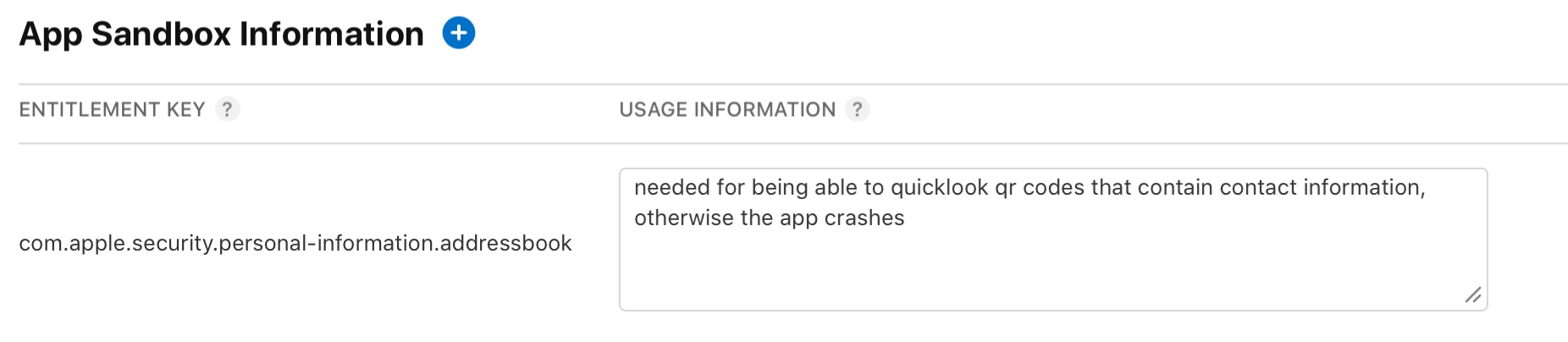
So pardon my French, but it’s freaking right there.
But I did as they did, and ignored this.
I gave them the same (paraphrased) reason via reply-to-the-rejection, and now the app is “Waiting for Review” again. What a waste of time.
I cannot stress enough how frustrating these inconsistent app reviews are.
If you recall from the beginning of this post, just 5 days ago, on the 16th, I submitted basically the same binary, and it went through without a hitch.
Now, a few days later, with a one-line change in the binary to fix a crash, I have two rejections for stuff that has been in the app since I can’t even remember when.
What gives, App Review?
Why waste my (and your) time with asking for info on an entitlement, when it’s already there?
Why not object to it at the very first review of that entitlement with v2.0, instead of out-of-the-blue, after goodness knows how many updates in between?
What’s with that absolutely disgusting and disrespectful automated message with no details whatsoever?
What happened between July 16th and today, five days later!?
And most importantly of all: why won’t you let me release my one-code-line-crash-fixing app update for ScreenFloat already!?
[Update]: ScreenFloat v2.3.9 was accepted by App Review on July 22nd and subsequently released.
[Update]: Apple called. And now I feel bad. I hope it was clear that I’m upset with the process, not the people behind it.
I’ve been wanting to make my website a bit more “alive” for a while, and I finally had the time to do something about it.
For the longest time, I didn’t show the prices for my apps on my website (crazy, I know), simply because I didn’t feel like going into the HTML source, updating the static price, and re-uploading the page every time I had a sale.
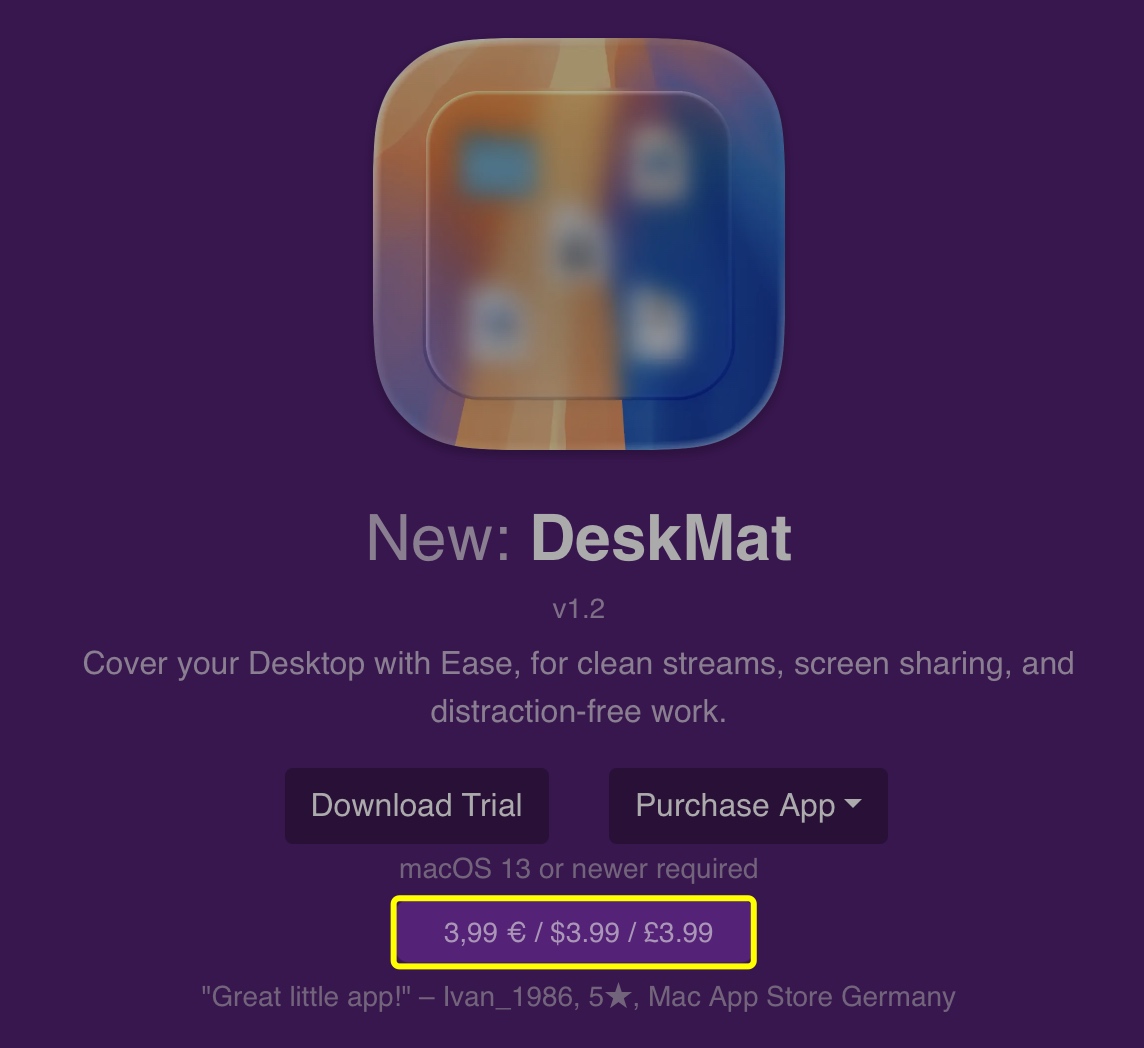
Now, I have a PHP script that takes care of it for me. It can load prices for different localities using the App Store API, or from Paddle. I currently just get them from Apple right now, because my apps’ prices are the same on the App Stores and my website. The results are cached for 6 hours so I don’t have to query the API for every page load. For time-sensitive sales, I can easily discard the cache and have the page (and thus, prices) reload for everyone instantly.
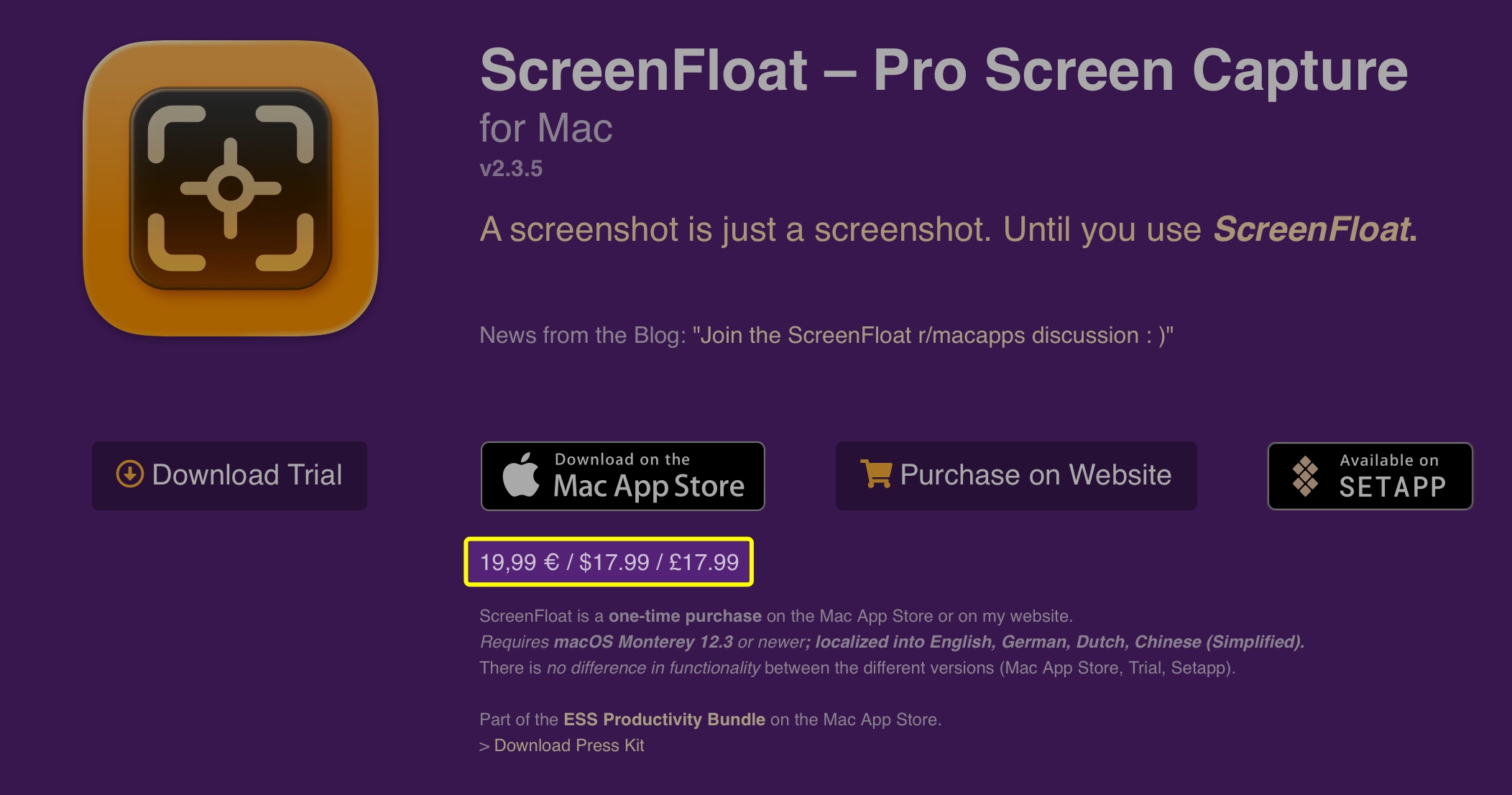
Prices are now shown on the main website (see above), and on each app’s webpage:
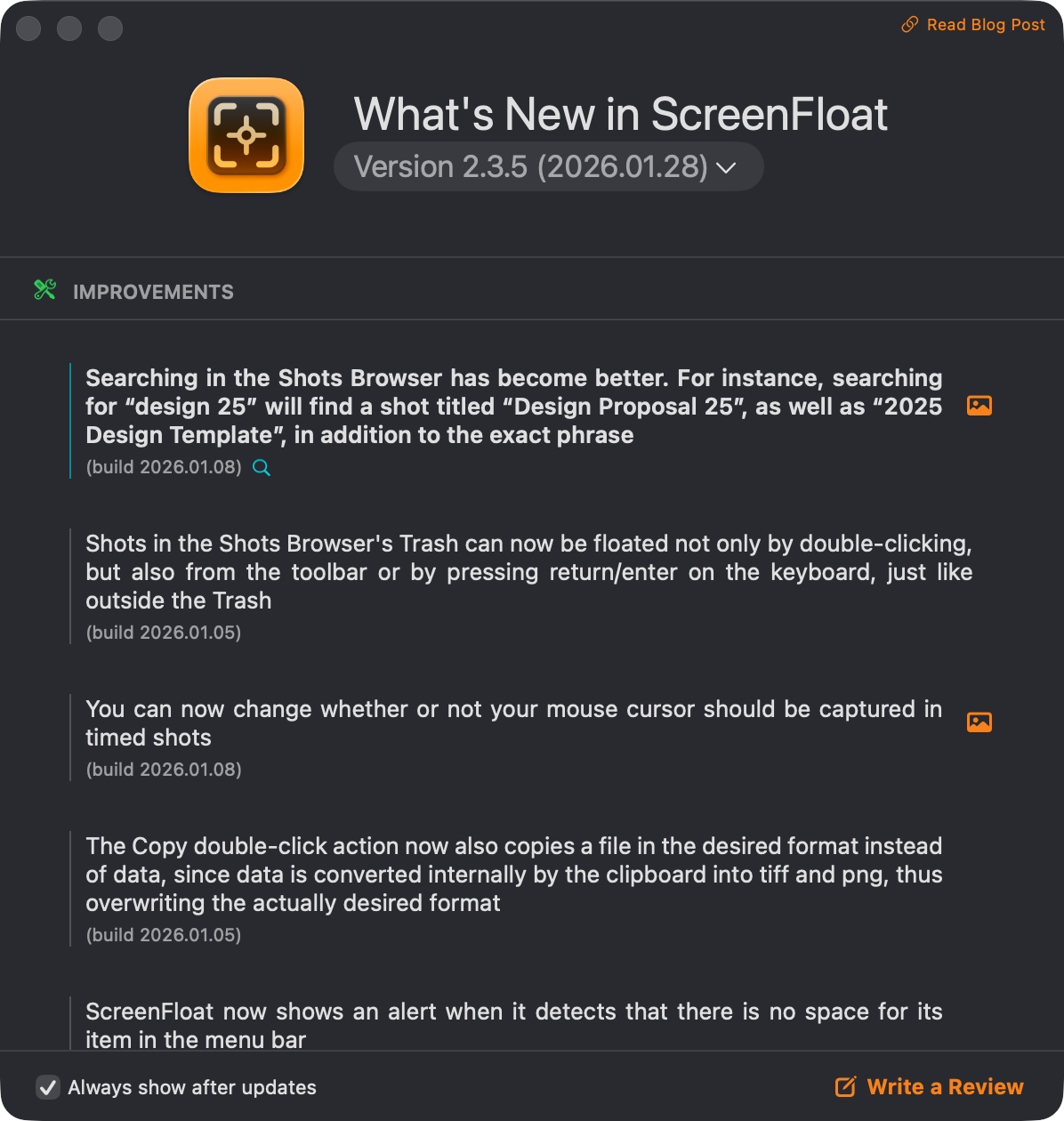
For ScreenFloat 2.0, I built an entire API and database with PHP and MySQL for the release notes I show in-app:
It allows me to get all sorts of information about any release, the obvious ones being version, release date and download file size.
This powers my in-app update mechanisms, the in-app release notes you can see above, and now the “current version” of apps on my website (see below), along with a web version of my apps’ release notes.
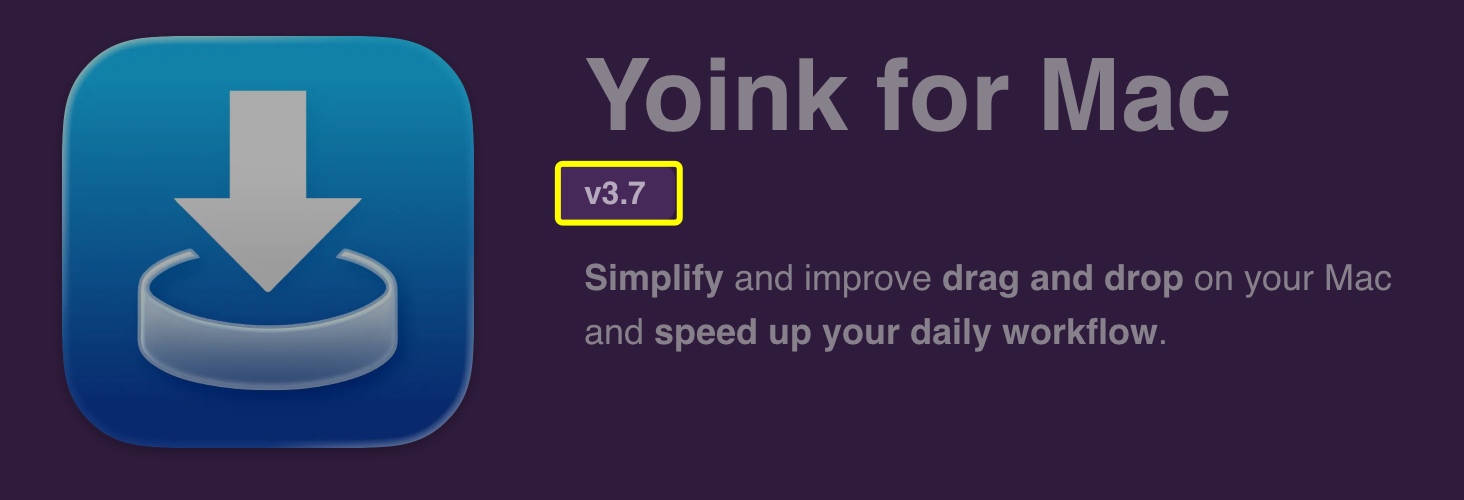
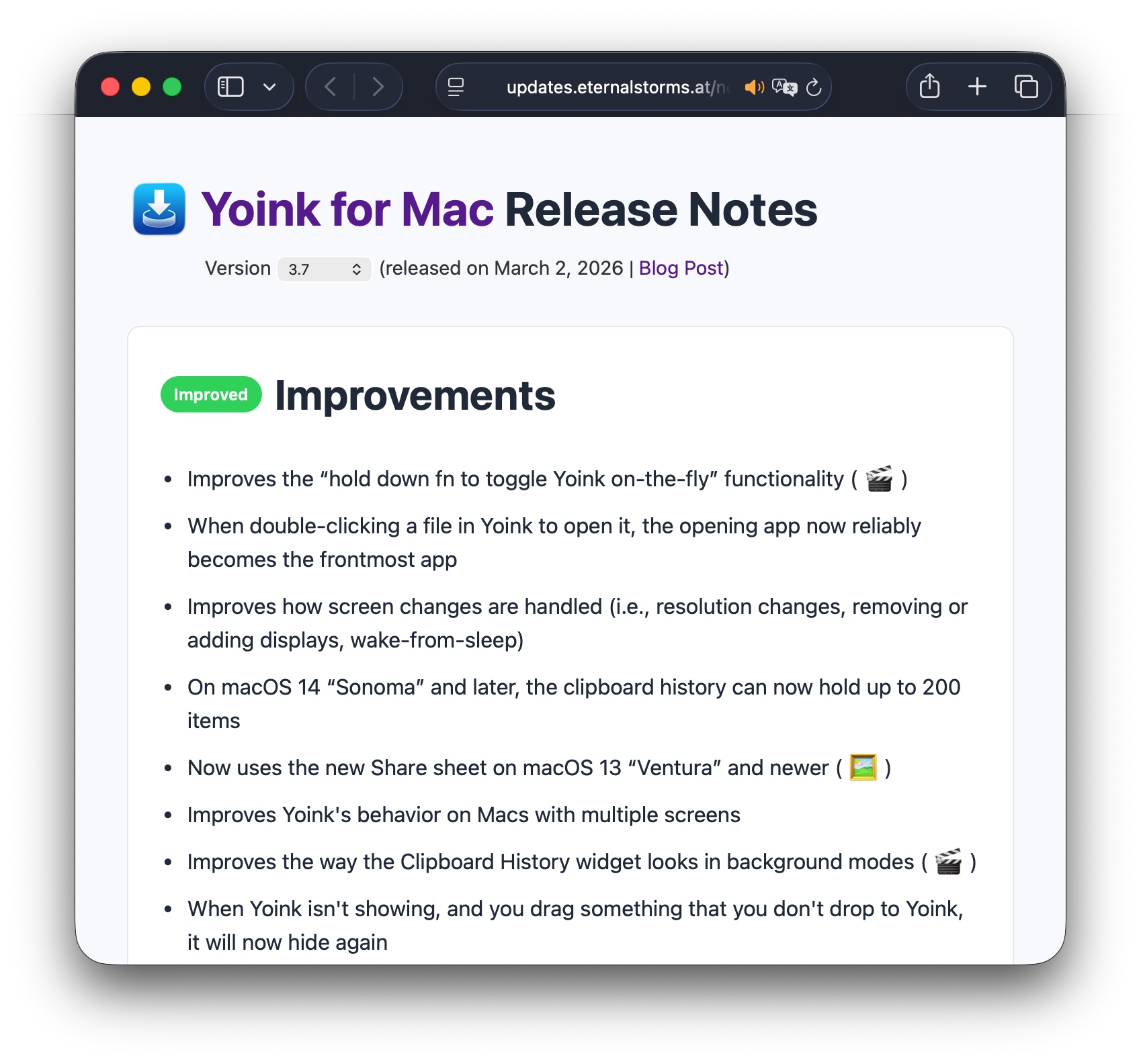
A click onto the version brings you to the web release notes. I tried to replicate the in-app release notes as closely as possible, with image- and video previews of features, etc. You can switch between English and German, rich- and plain text, and browse through the release history.
Though I’ve always linked to my blog from my website, I thought it would be neat to feature the newest blog post on the main page and the latest app-related post on the app’s webpage. I hope this is more enticing to click than a simple “Blog” link.
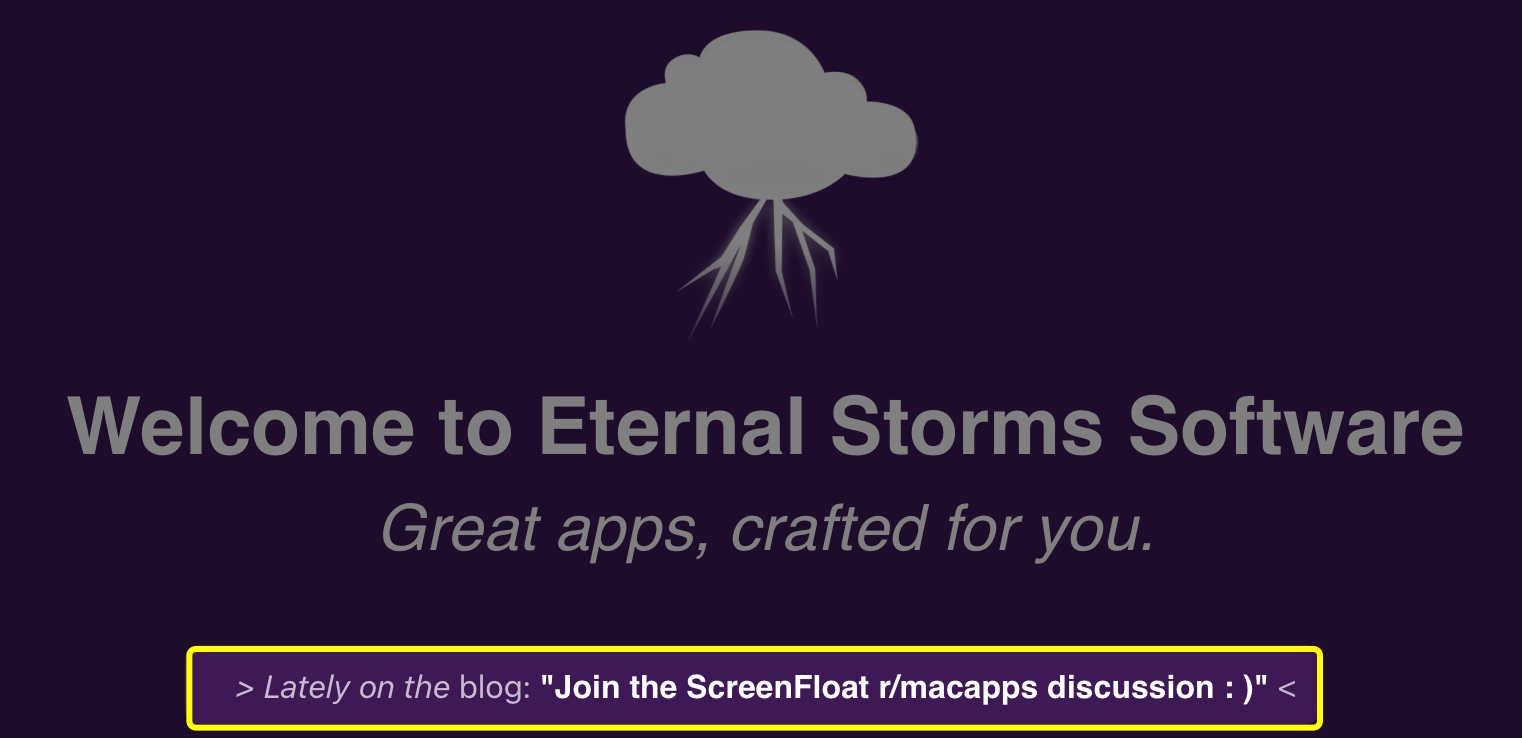
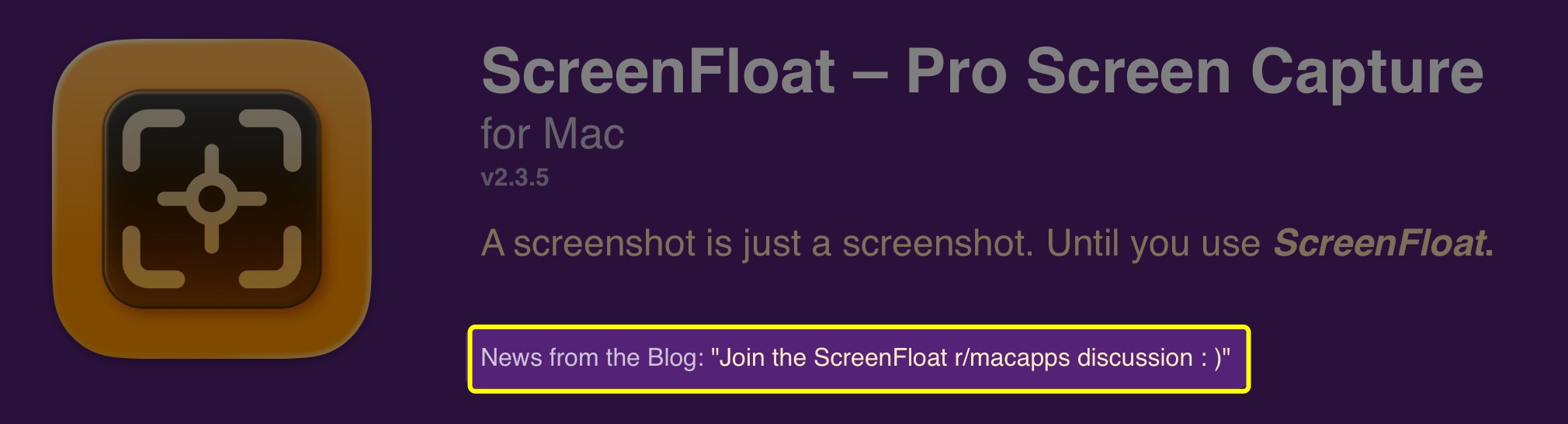
This uses the basic WordPress API. It looks for posts with specific tags or within specific categories, published within the last 2 months. If there aren’t any blog posts with that criteria, nothing is shown. I thought that better than showing old, outdated posts. I don’t want to give off “deserted” vibes.
I have a new Friends page where I highlight a few long-time friends of Eternal Storms Software. I still need to find a way to include that into the main website better.
Probably a no-brainer for anyone else, but I coded my web store myself, and only for Black Friday 2025 had the idea of auto-applying discount codes. That way, everyone gets the benefit of a discount when a sale’s going on, even if they don’t know about it.
The way it works is, I have a specific naming scheme for site-wide and app-specific discount codes, and the web store looks for them and applies them automatically.
Recently, I’ve been implementing Tip Jars into my apps, for anyone who’d like to completely voluntary further support my work, beyond the app’s one-time purchase price (I don’t offer subscriptions).
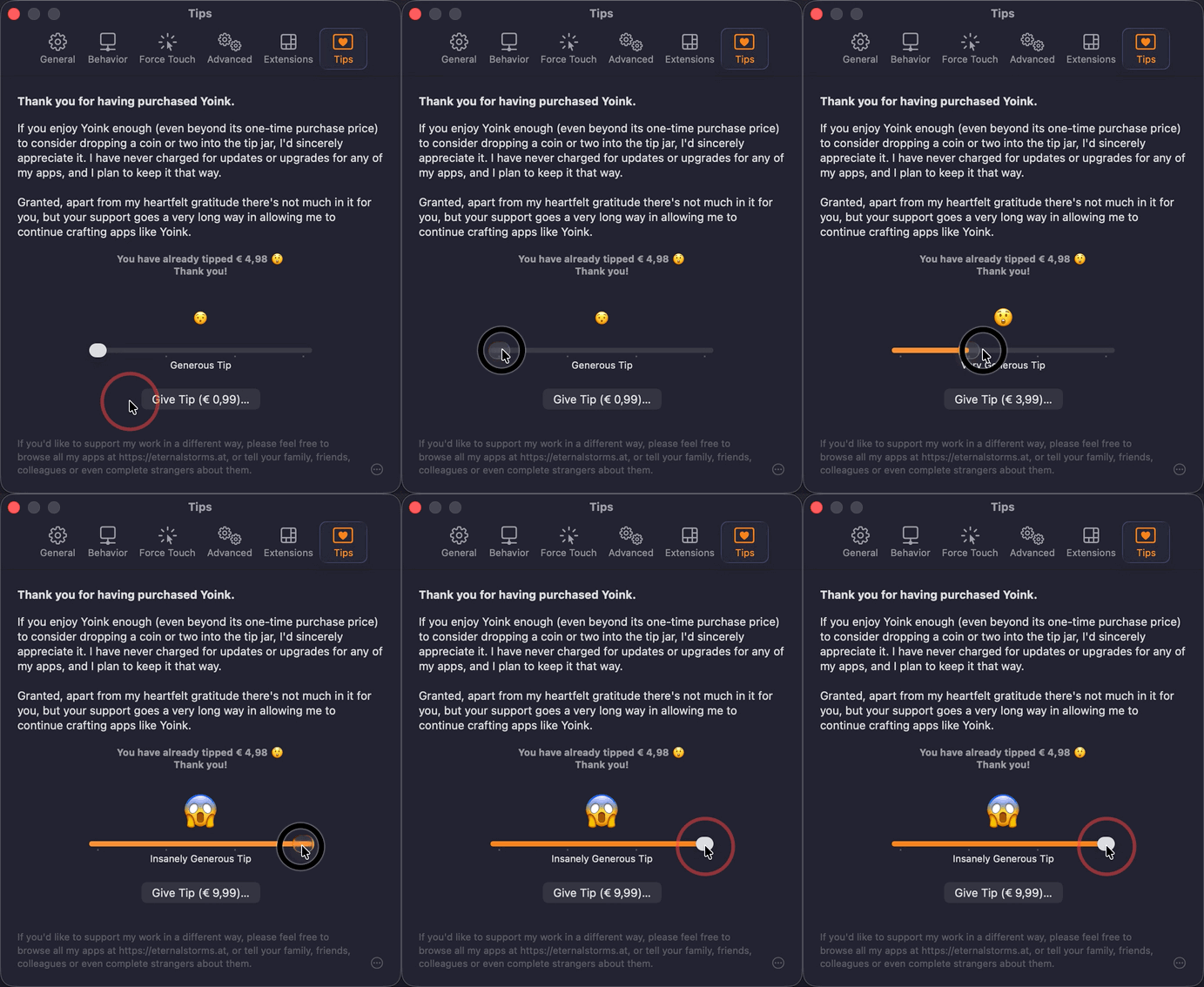
Since I implemented it for both the App Store and via Paddle for the direct-purchase versions of my apps, I figured I’d implement a small web version of the latter, too.
I’m linking to it from my blog, but I’m still undecided about adding it to the main page. Probably going to leave it out.
For now, there are two things I still haven’t gotten around to including.
I do include reviews from the App Stores on the main and app pages, but they’re static. I’d like it to be a bit more dynamic, where I’d show random 4- and 5-star reviews. Apple offers APIs for that, so it shouldn’t be too much of a hassle.
I’d like to have a page up indicating official sources for my apps: my website, the App Store, Bundlehunt (on occasion), MacUpdate, etc.
Basically a single source of truth for figuring out if a website offering a download of or licenses for my apps is official and legit.
Now back to work. Since I’m not vibe-coding, my apps don’t develop themselves!
Having implemented the backend and licensing mechanism, there was still an important part missing: a way to download and install updates for the app.
My app trial downloads have always been just a direct file download. But because I wanted the auto-updating mechanism in my app to use that same download path, I needed to add a little layer of validation/safe-guard there.
Step 1: sign the zip file cryptographically with a private key, and upload the signature data alongside the zip file.
Step 2: write a download PHP script. Instead of just initiating a direct file download, the script starts the download, only if the zip file’s signature could be verified with the public key. If there’s a signature mismatch, an email is sent to me so I know there’s something going on.
Step 3: implement the download and signature check in the app. The app downloads the update zip file using the PHP script, with the signature of it passed along as a header. That allows the app to verify the zip file’s signature with the public key, before unzipping it. If the signature can’t be verified (because it was tampered with, or the download got corrupted somehow), the zip file is discarded and an error presented.
With the PHP download script, I encountered two “gotcha”s.
One was that, no matter what I tried, I couldn’t set the Content-Length header, which lets the downloading client know how much data to expect (so a download progress can be displayed properly). A lot of googling later (I also tried ChatGPT for fun, but it was no help here), there’s an environment variable that needed to be set on my server:
SetEnv ap_trust_cgilike_cl 1
With that, it miraculously started working.
The second “gotcha” was resumable downloads.
For a file that is only a few megabytes, it’s not that big of a deal, but for larger downloads, it is convenient and responsible to have resumable downloads.
If a download halts because of, say, a loss of connection, the downloader is able to later pick up the download from where it left off, instead of discarding what it had already downloaded and having to start over.
It took a bit of trial and error, but thankfully, there are lots of code samples for this available, this one being a prime specimen, and I eventually got it working.
I just recently revamped my release notes to be more interactive:
It gives a nice overview of new features, improvements and bug fixes, I can display a nice header or footer if I like, and I can show users new features in action on-the-fly as a video, an image, display a website for instructions, or take users to features or settings in-app right away.
But I hadn’t thought it through enough. All this had been powered by a single JSON file. For multiple releases, over the years, that file would become larger and larger. And to display information for one release, I’d have to download the entire file. So I had to go back in and change that.
Instead of a single JSON file, I now have it in a database, each release in a row, so I can obtain information for individual releases, instead of having to download all of them at once.
Interacting with this database is powered by a custom PHP API.
It lets me retrieve all version strings for an app, alongside their release dates and build numbers – crucial for self-updating.
I can then request an individual release’s information as an on-demand created JSON. I use this in the Mac App Store version to show what’s new after an update has happened, and in the non-Mac-App-Store version to display what’s new before an update.
Additionally, it can return more than one row of releases. That allows me to show multiple releases in the “Update available” screen:
Say a user is on version 2.1. Versions 2.1.1 and 2.2 have already been released, but the user never updated to them. Now version 2.2.1 is out, and the user gets notified. Not only does the update dialog show what’s new in version 2.2.1, users can also see what was new in v2.2 and v2.1.1. Yay.
For feeding information into the database, I wrote a little PHP web “app”:
I can add localized release notes for a feature, improvement or bug fix, and manipulate the JSON (on the right side) directly, too, if I need to change the order, or fix a typo. I can go back into any version, any time, in an organized manner.
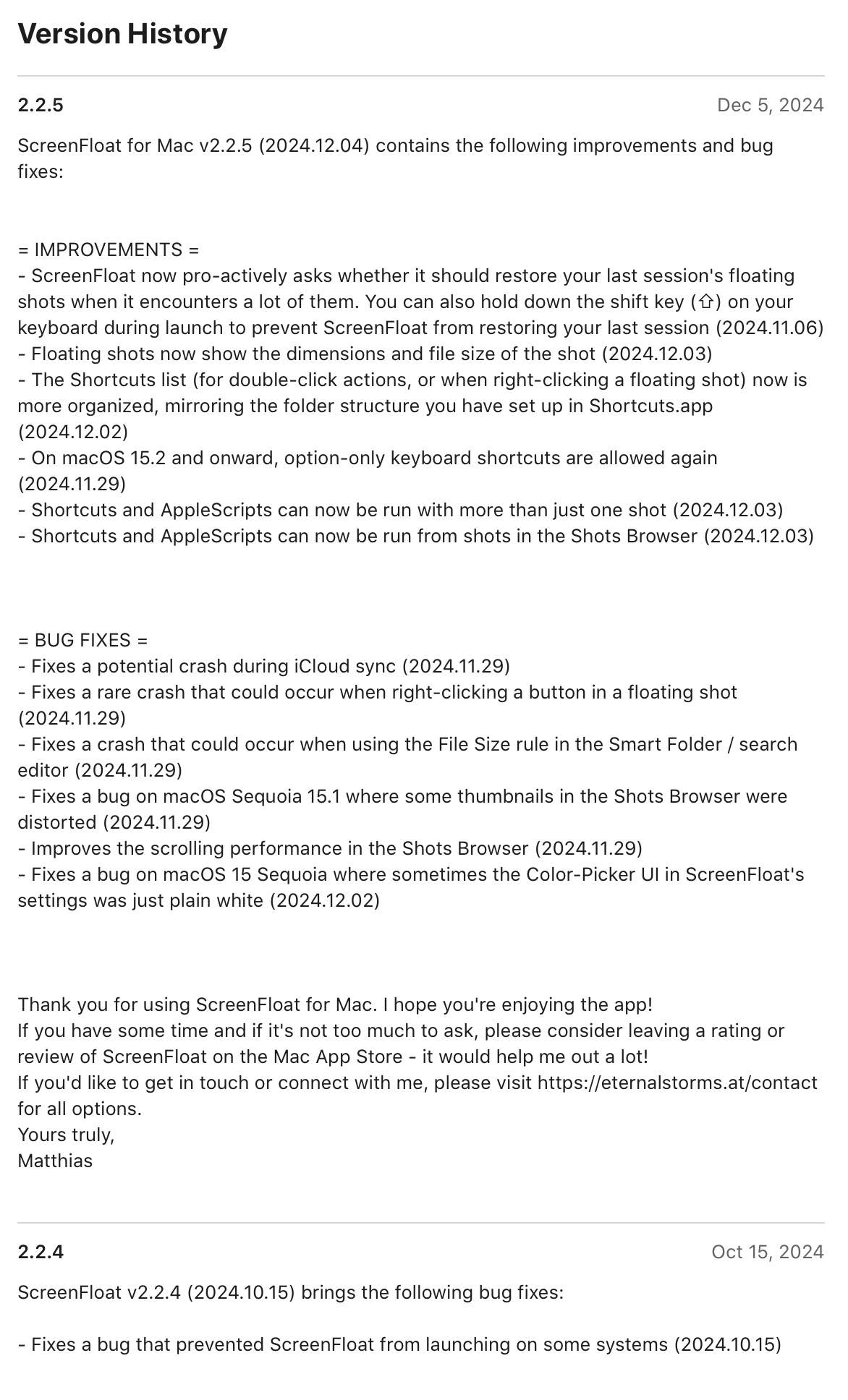
Lastly, I can download a nicely-formatted .txt file for each localization I can copy-paste into the App Store’s What’s New section (or anywhere else I like):
The simple and sane thing to do would have been to go with Sparkle. It’s fantastic. It can work with zips and other compression formats, dmgs, can do diff updates and all that stuff. It’s really good, and if you need any of that, or just want an easy way to do updates, save yourself the headache and just use Sparkle.
All I needed, though, was to unpack a zip file and install that update. And with all that custom code I wrote on the backend, to perfectly integrate and take advantage of it all, I figured I’d write my own updating mechanism.
The app has to:
1) Check if a new version is available
2) Display to the user what’s new and ask whether they’d like to download the update
3) Download the update
4) Verify the zip file’s signature
5) Unzip the zip file if the signature is okay
6) Verify that the new bundle is code signed, and that the code signature’s team of the new bundle is the same as the old one’s
7) Replace the old copy with the new one
8) Relaunch
Items 1 through 4 were easily done – all the heavy lifting is already taken care of by the server.
Item 5 – unzipping – is where it began to become tricky.
Actually, it already became tricky zipping up the app in the first place.
Like I stated before, I upload a zip file and its signature. To create both, I use a Shortcuts.app shortcut – I select the app produced by Xcode, it gets zipped up, a signature file is created, and I manually upload both to my server.
Alas, the “Make Archive” shortcut is teh suckage when it comes to apps.
Try it yourself: Create a “Make Archive” shortcut that creates a zip archive from an app, then unzip that archive and double-click – it won’t work (or, even worse, it’ll work on your Mac, but on a different one, it won’t. Thanks to UTM, I was able to figure that out).
So instead, I use a Run shell script phase with the ditto CLI:
ditto -ckX --sequesterRsrc --keepParent <app-file-path> <zip-file-path>
Unzipping that and running the app worked right away both on my Mac and in the UTM virtual machine, so the first hurdle had been taken.
Unzipping, then, in the app, also had to be done using that CLI:
ditto -xk <zip-file-path> <unzip-file-path>
Because I didn’t test each step right away and implemented the flow in one go, when I first tried it, I wondered where my mistake was when the app didn’t launch. It was only after quite a bit of backtracking and research that I came to the conclusion that my way of zipping and unzipping was the culprit.
My current iteration of my self-updating mechanism isn’t complete yet.
It can update itself when the user account that first installed the app is also the one updating it. But if a different user account runs the update, it fails, because of insufficient privileges. I had one implementation where it worked once, and then nobody could update anymore – yikes. I had another implementation where, when replacing the old app with the new one, for some reason the /Contents/MacOS/ folder could not be replaced (but the files in MacOS were deleted), corrupting both the old and the new copy.
Let’s just say, I hit some weird edge cases here.
This is obviously something I’m working on still, but in the meantime, when I suspect it’s a different user account attempting the update, I present the user with the new version of my app in Finder, and show instructions on how to manually update.
It’s nowhere near a perfect user experience yet, but it was a trade-off I was willing to accept for the time being (on behalf of the user, I’m afraid), knowing the upside of having control over the entire thing and eventually figuring it out.
It’s my main drive at work – figuring stuff out.
Next time, I’ll talk about how and if it all worked out. I hope to see you then!