yoink

Yoink for iPhone and iPad is your files and snippet shelf for anything you can drag, copy, share, or download. Version 2.5.4 improves its Files app integration, cleans up the UI a bit and makes a bunch of improvements and fixes.


What is Yoink?

Yoink for iPhone and iPad stores anything you can throw at it: file drags, content like images or text, eMails, downloads, and more.
It syncs across your iOS devices.
It can automatically store anything you copy – even if Yoink is in the background – with its Picture-in-Picture Clipboard Monitor.
It lets you “pin” PDFs, eMails, Websites, Images, and more in Picture-in-Picture for reference in any app.
It integrates with your Files app.
It lets you build powerful Shortcuts.
It’s there when you need it.


What’s New in Yoink v2.5.4?

  • In the Files app, Yoink now only shows the highest-fidelity representation of a file instead of all of them1, making it easier to navigate and select files
  • New contextual menu items in the Files app allow you to copy the contents of a file (as opposed to the file path), or a plain text representation of rich text formats
  • The stability and performance of the app have been improved, while fixing a few bugs and UI issues

🔗 For the full release notes, please click here.


Links and Availability

➡️ Website
📱 App Store (one-time lifetime purchase)

Yoink for iPhone and iPad is currently localized into English, German, Japanese, Simplified Chinese and Korean

💡 Usage Tips

💻 Yoink is also available for Mac (separate one-time lifetime purchase)

💌 Contact & Connect


If you have any feedback or questions, please don’t hesitate to use the contact link above, or below : )
Have a great day.


  1. For instance, a rtf “rich text” file in Yoink has its rich text data representation, as well as a plain text one. Previously, Yoink would show this file as two files inside a container folder in Files.app, now it’s one file: the rtf. ↩︎
Read more


For this year’s Black Friday sale I held between November 27th and December 1st 2025, I pledged 30% of proceeds from app sales made on the Mac App Store and directly on my website to the Austrian St. Anna’s Children’s Cancer Research Institute.

The sale was a great success:
Because of your generous participation in the sale, we raised €766,43 for this cause.

❤️ From the bottom of my heart, thank you ❤️

Because it’s a larger sum than I had anticipated, I decided to:
1) Donate €100 to the St. Anna Children’s Hospital itself, for helping provide the best possible care for patients and their families. Amount already donated; proof available upon request
2) Donate €383,43 to the St. Anna Children’s Cancer Research Institute now. Amount already donated; proof available upon request
3) Donate the remaining amount (€283) to the St. Anna Children’s Cancer Research Institute in the new year. I’ll update this post once I’ve donated the amount

⚡️ Thank you again for helping fight cancer. And I do hope you’ll enjoy my apps!

💌 Contact & Connect


Read more

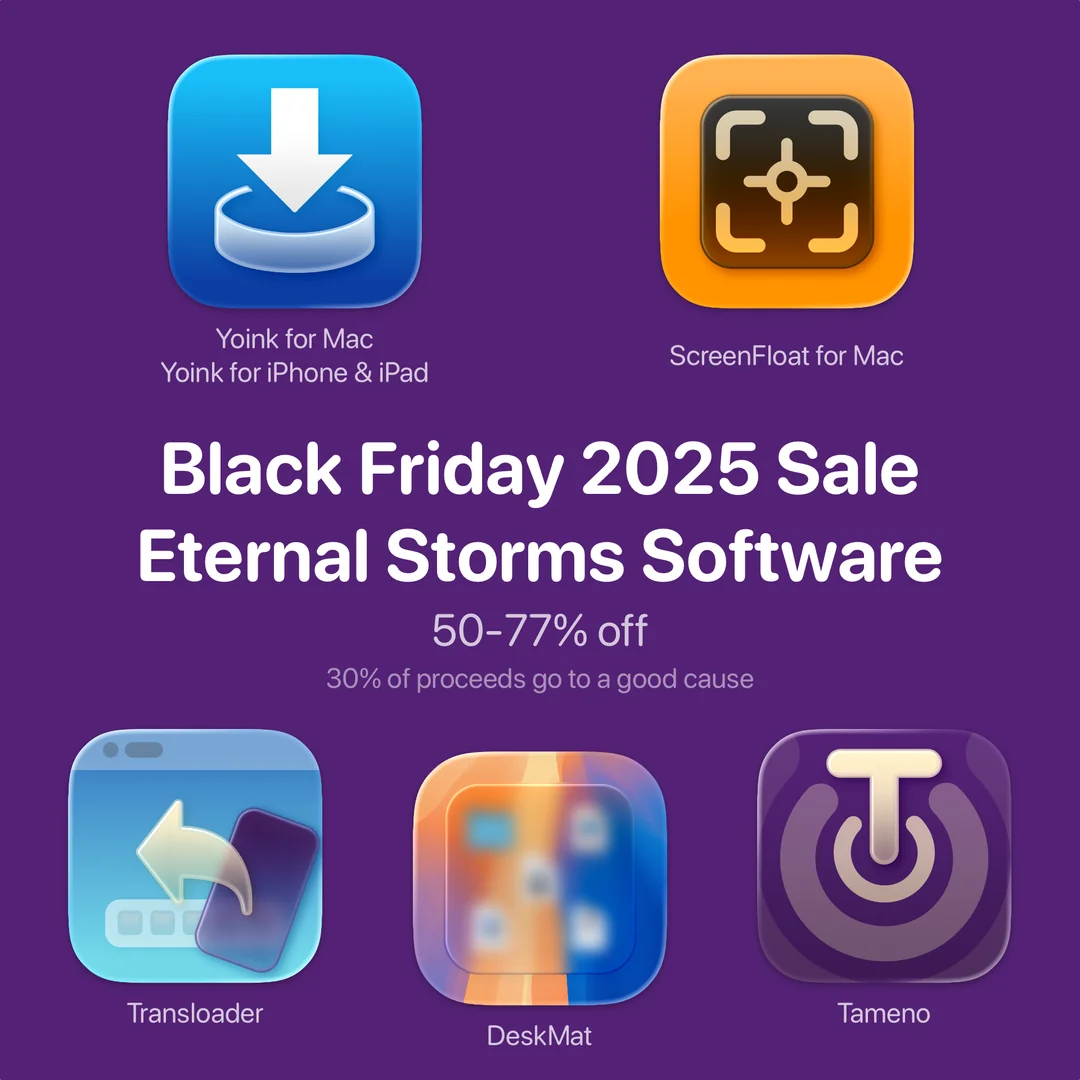
It’s been a while since I last participated in a Black Friday deal, so this year’s a doozy. All my apps are 50%-77% off from November 27th, 2025 to December 1st, 2025.

30% of proceeds made in this timeframe on the App Store and from direct purchases on my website go to the Austrian St. Anna Children’s Cancer Research Institute.

Table of Contents:


1. Yoink for Mac (77% off) 🔗

Yoink for Mac is a temporary place for your file drags. Whether you want to collect images from a website, text snippets from a document, or move files around in Finder, Yoink offers a “shelf” you can place them in so you can move freely to the files’ actual destination. It can hold virtually anything you can drag and appears whenever you start to drag something. It’s also highly customizable to fit your needs.

As Yoink for Mac is part of this year’s Bundlehunt Black Friday macOS Bundle, too, its sale will continue until December 31st, 2025.

2. Yoink for iPhone and iPad (66% off) 🔗

Yoink for iPhone and iPad is your files and snippets shelf, with Clipboard-Monitoring powers!

3. ScreenFloat for Mac (50% off) 🔗

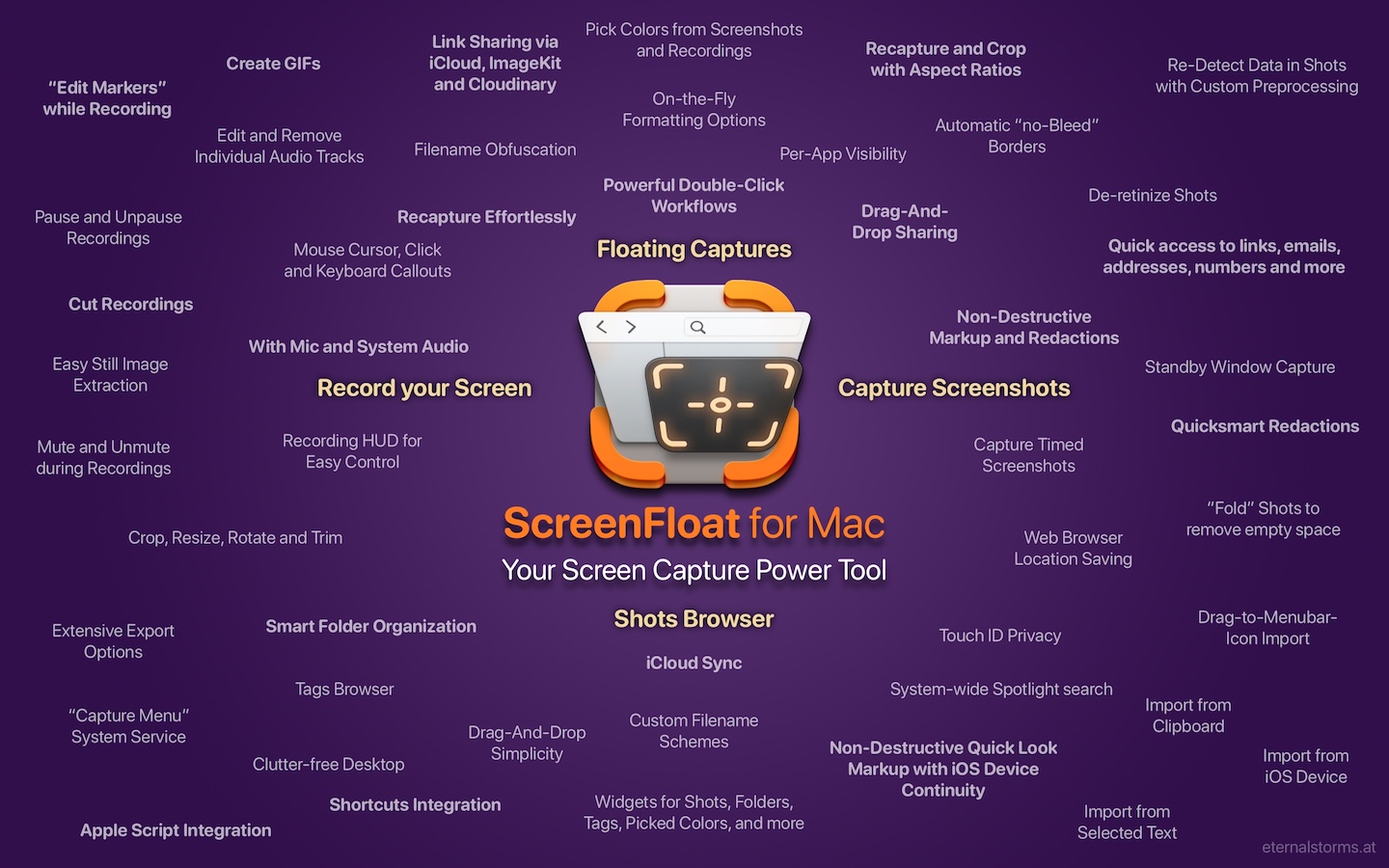
ScreenFloat is your Mac’s Screen Capture Power Tool.
Capture screenshots and recordings that float above other windows, allowing you to reference anything on your screen, anywhere. It’s like Picture-in-Picture, only for screen captures.
It keeps your Desktop clutter-free, as every capture you make is stored in its Shots Browser, where you can manage, organize and find your shots. They’re also synced across your Macs over iCloud.
Easily copy the non-copyable, as ScreenFloat recognizes text, barcode and faces in your shots, which also allows you to effortlessly redact sensitive parts of your screenshots.
Add non-destructive annotations, redactions and markup, crop, “fold“, resize, or de-retinize your shots. Quickly pick colors.
Mute, trim and cut your recordings with the aid of “edit markers” you can place while recording.
Create shareable and embeddable links for your captures using iCloud, ImageKit.io or Cloudinary.com.
And so much more.

4. Transloader (60% off) 🔗

With Transloader, you manage downloads on your Macs, remotely from your iPhone, iPad, and other Macs. With powerful Link- and File Actions, you have total control over what happens with links you send to your Macs.

5. DeskMat for Mac (50% off) 🔗

DeskMat covers your messy desktop with the click of a button. For nicer streams, video conferencing, and distraction-free work!

6. Tameno for Apple Watch, iPhone, iPad, Mac and Apple TV (50% off) 🔗

Keep your peace of mind, while Tameno keeps the pace. With auto-repeating “tapping” timers, you always know when to move on to the next step. Be it during exercise, workout, stretching, brushing your teeth, watering your plants, doing yoga or meditation, this versatile utility keeps on tickin‘ .


Links

🧑‍🔬 St. Anna Children’s Cancer Research Institute

➡️ Eternal Storms Software Website
🛒 Eternal Storms Software Web Shop (discounts will be applied automatically during checkout)
📱 Eternal Storms Software on the App Store

Yoink for Mac, ScreenFloat for Mac and Transloader are also part of Setapp
Yoink for Mac is part of Bundlehunt’s 2025 Black Friday macOS Bundle
There is no difference in functionality between the different versions of the apps

💌 Contact & Connect

🤝 Friends of Eternal Storms Software

Read more

Yoink for Mac, my app that drastically simplifies drag and drop, is participating in Bundlehunt’s 2025 Black Friday macOS bundle, at 77% off (USD / GBP 8.99 -> USD / GBP 1.99; EUR 9,99 -> EUR 1,99)


What is Yoink?

Yoink is a temporary place for your file drags. Whether you want to collect images from a website, text snippets from a document, or move files around in Finder, Yoink offers a “shelf” you can place them in so you can move freely to the files’ actual destination. It can hold virtually anything you can drag and appears whenever you start to drag something. It’s also highly customizable to fit your needs.


What’s the 2025 Bundlehunt Black Friday macOS Bundle?

Up until December 31st 2025, the Bundlehunt Black Friday macOS Bundle offers great apps at greatly reduced prices, like Mail Archiver X, Mountain Duck, my app Yoink, and more. Additional apps will be added throughout the bundle’s run.


Links and Availability

Bundlehunt 2025 Black Friday macOS Bundle

➡️ Website + free, 28-day trial + Direct Purchase
🖥️ Mac App Store (one-time lifetime purchase)
🔁 Setapp (also has my apps ScreenFloat and Transloader, plus over 250 awesome apps with one subscription, 7-day trial)
Yoink for Mac is localized into English, German, French, Italian, Portuguese, Japanese, Simplified Chinese and Korean
💡 Usage Tips

📱 Yoink is also available as a separate purchase for iPhone and iPad

💌 Contact & Connect


If you have any feedback or questions, please don’t hesitate to use the contact link above, or below : )
Have a great day.

Read more