

If you’re getting an error trying to install the macOS 27 beta ipsw from developer.apple.com/downloads/os in UTM…
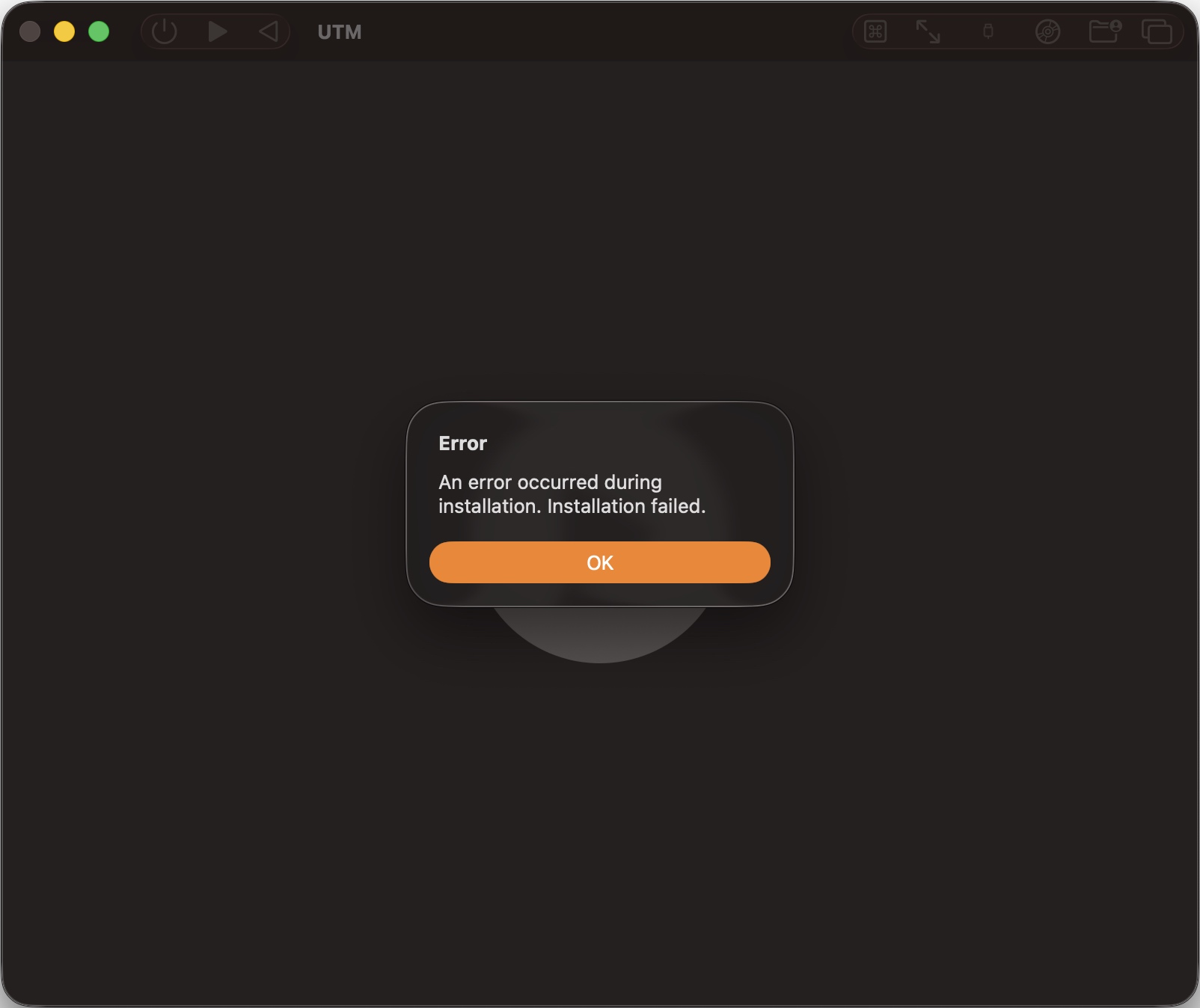
… I have a solution for you.
Some recommend downloading Xcode 27, installing it, and installing its MobileDevices.pkg and maybe CoreTypes.pkg and a bunch of others. Some report it works, others that it doesn’t.
Here’s what worked for me, on an M1 Max MacBook Pro with macOS 26.5.1:
- Download the macOS Tahoe 26.x ipsw
- Install it into a new VM in UTM
- Log in to your developer account in System Settings
- Update to macOS Golden Gate 27
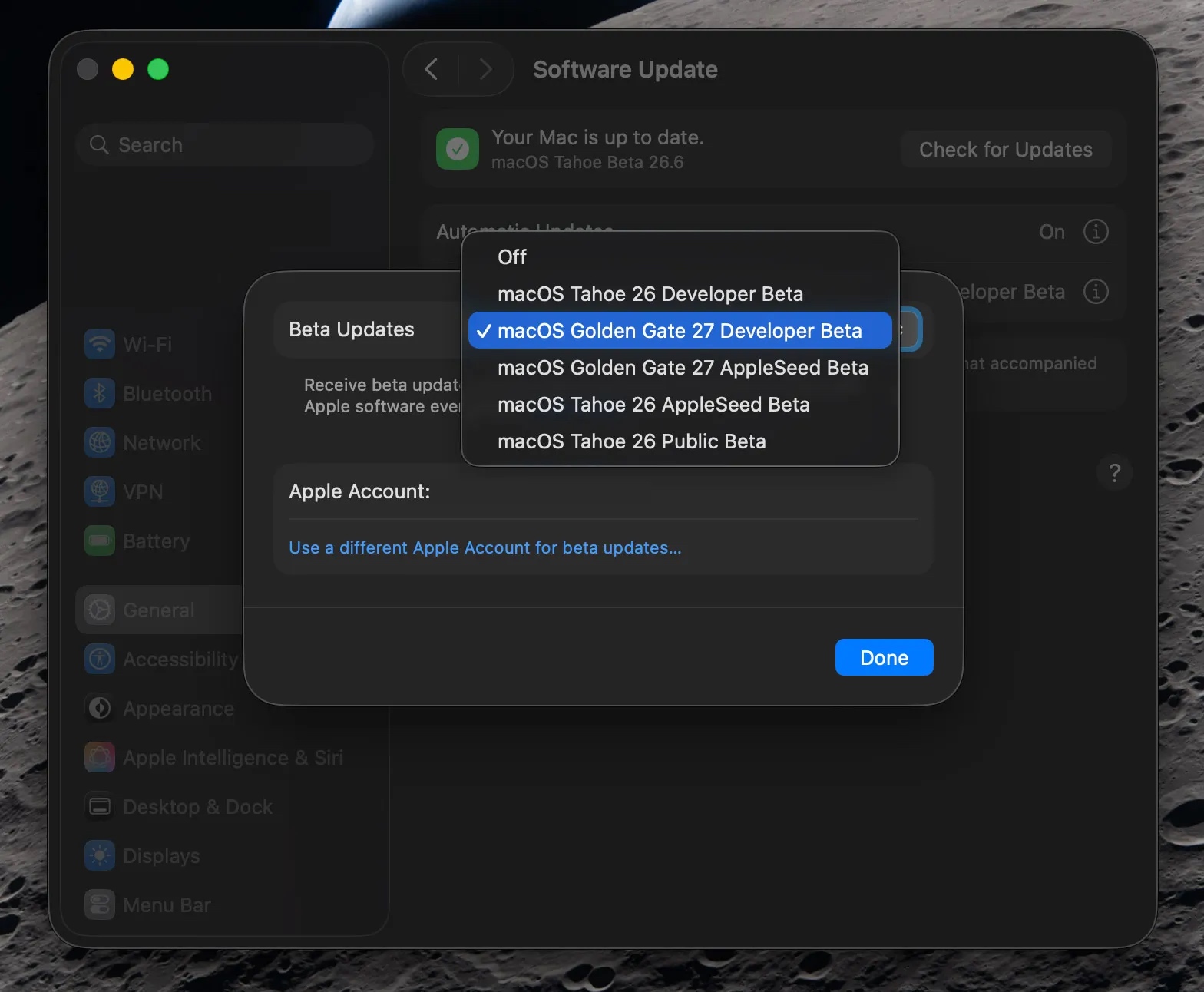
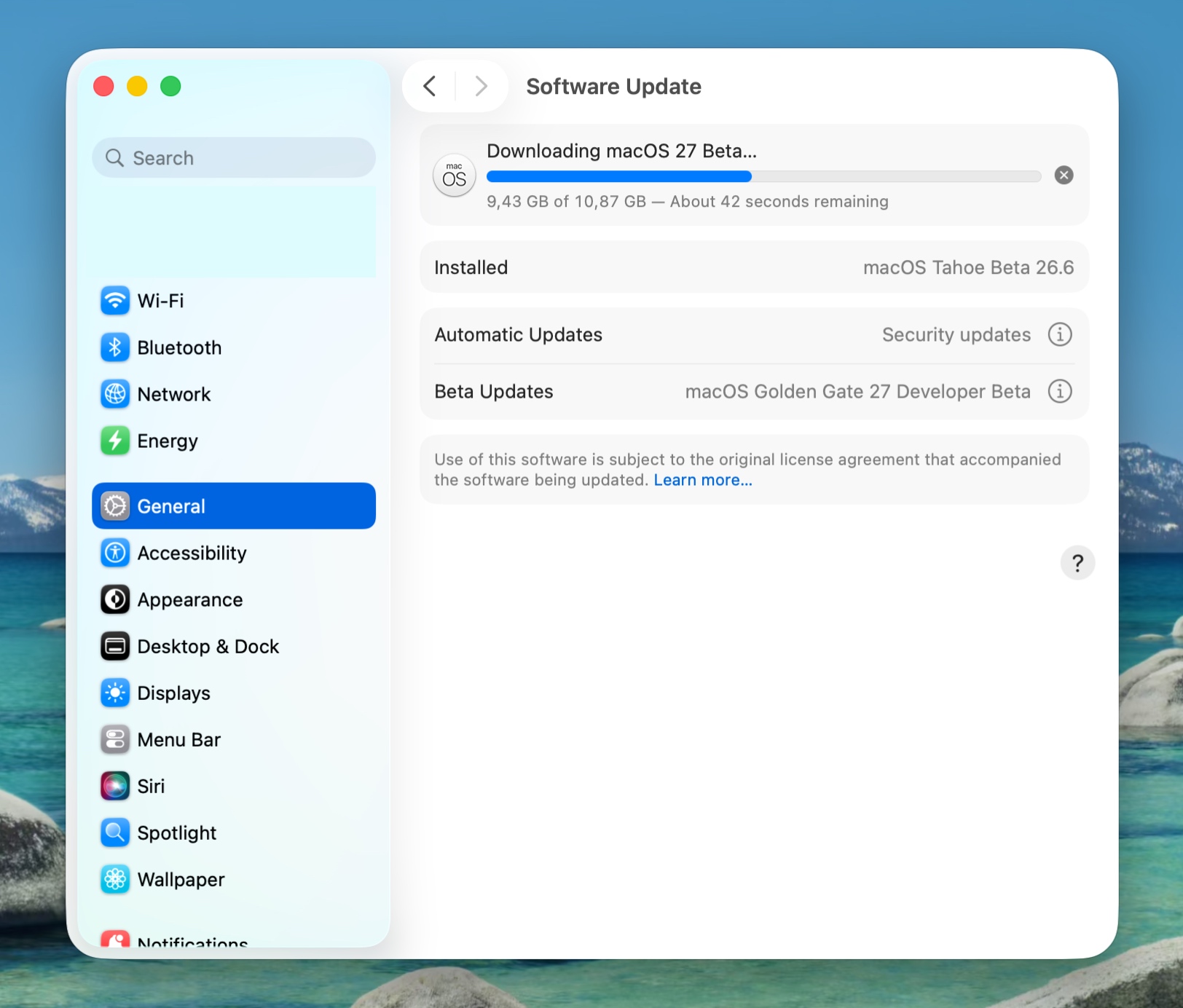
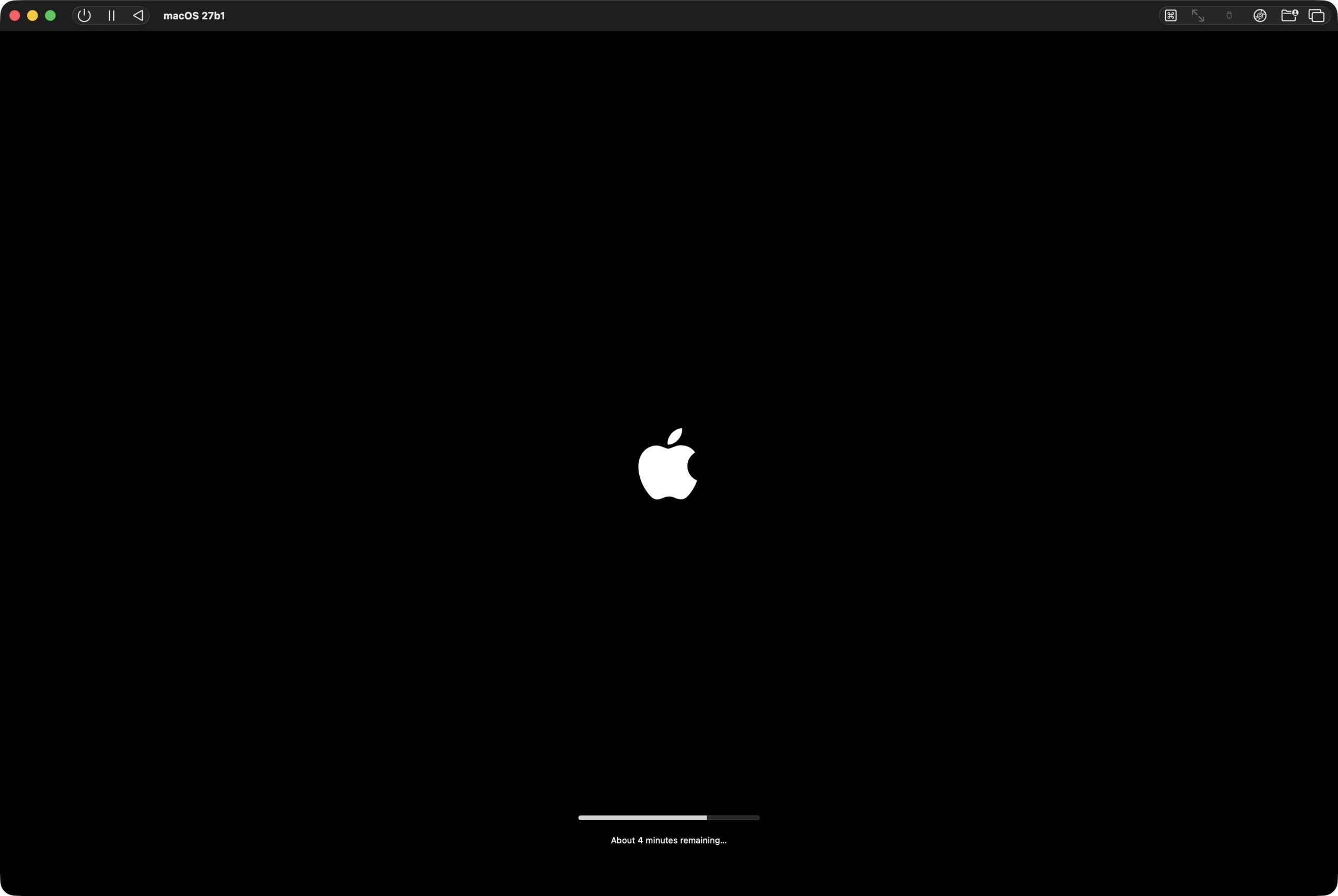
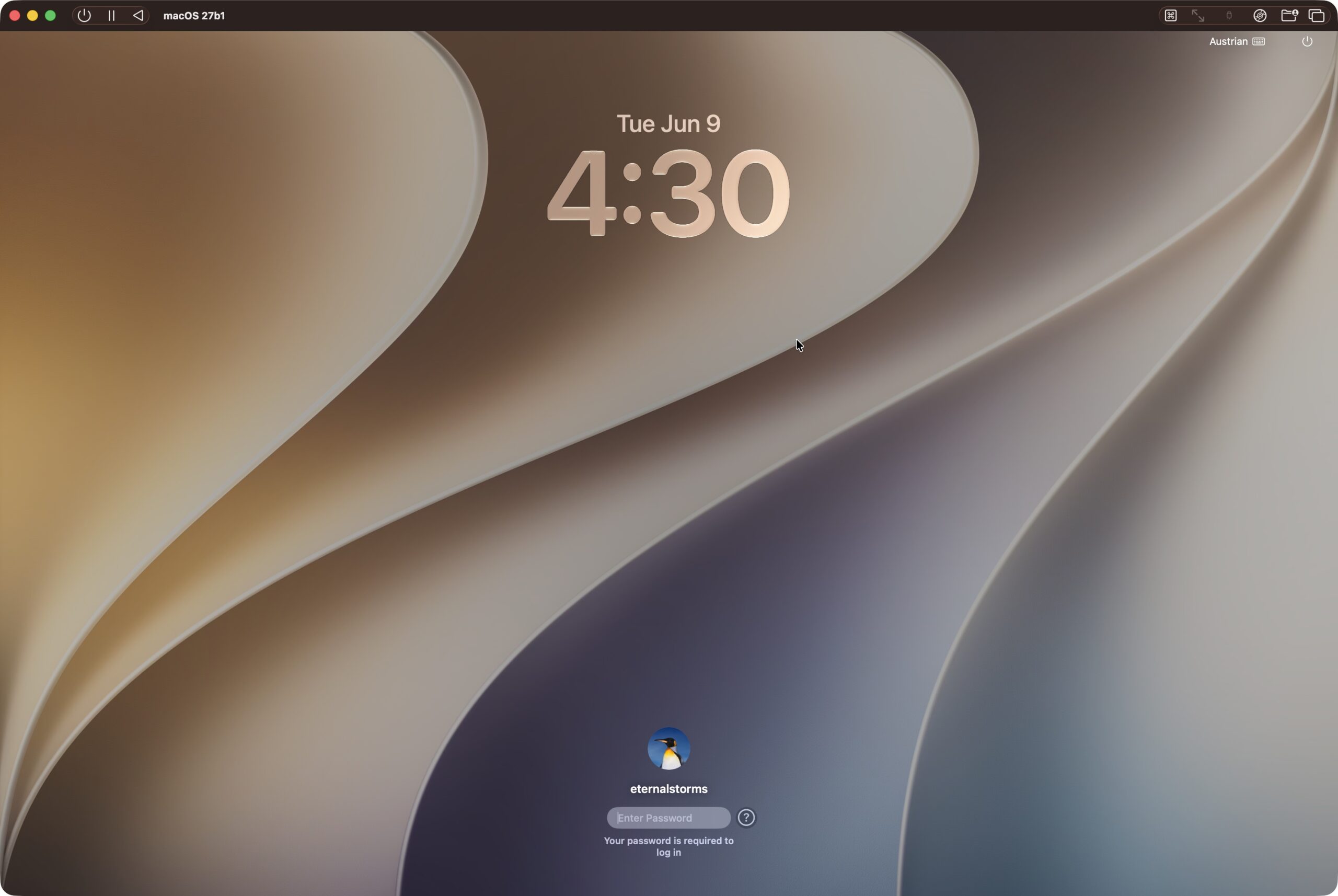
Hope it helps : )
Comments are closed.