macOS 27 Golden Gate

DeskMat for Mac v1.3.3 – your Desktop-covering companion for more privacy during screen sharing, cleaner streams, and distraction-free work – now runs even more smoothly on macOS 27 “Golden Gate”.

“Exactly what I needed”

Captain Muso @ Mac App Store

What is DeskMat?

DeskMat helps you:

  • retain your privacy when sharing your screen
  • have cleaner streams
  • work distraction-free

by providing a simple cover for your Desktop.
With the click of a button, all your files and folders (or selected ones) on your Desktop disappear, and re-appear just as easily when you need them.
Tie the app to your Focus modes or specific apps coming to the foreground, so the cover activates and deactivates automatically.
Create workflows with Shortcuts and AppleScript.
With widgets in your Control Center, your Desktop and Notification Center, you can toggle the cover from anywhere.

Tip: Check out the Get to Know DeskMat Blog Post for a deep-dive into its functionality.


What’s New in DeskMat v1.3.3

  • Menu items that are supposed to have icons now actually have icons on macOS 27

👉 For the full release notes, please click here 👈


Featured on the Mac App Store

DeskMat has repeatedly been featured on the Mac App Store:
⌨️ “Get productive with these awesome apps (alongside Yoink)
💶 “Indispensable affordable apps(alongside Yoink)
📽️ “Elevate your presentations and screencasts
📸 “Snap screenshots like a pro(alongside ScreenFloat)

“Focus mode integration is excellent”

tedsvo @ Mac App Store

Links and Availability

DeskMat is a one-time lifetime purchase on the Mac App Store or my website for currently USD 3.99 / EUR 3,99 / GBP 3.99.
There is no difference in functionality between the different versions.
As with all previous updates, v1.3.3 is completely free for existing customers.
A free, 28-day trial is available for download.
DeskMat requires macOS 13.0 Ventura or newer.
The app is currently localized in English, German, Chinese (Simplified), Dutch, French, Italian, Japanese and Spanish.

🔗 DeskMat Website + Free Trial + Direct Purchase
🖥️ DeskMat on the Mac App Store
🤩 Eternal Storms Software Productivity Bundle on the Mac App Store (includes ScreenFloat, Yoink for Mac, Transloader and DeskMat at ~20% off)

📖 Get to Know DeskMat Blog Post

💌 Contact & Connect

A note on in-app purchases in the Mac App Store version: These are completely voluntary tips you can give me to support me and the development of my apps beyond the one-time purchase price. No additional functionality can be unlocked by giving tips. Your one-time purchase gives you to the complete functionality of DeskMat.

I hope you enjoy DeskMat (and my other apps) : )


Read more

ScreenFloat for Mac v2.3.11 is now available, improving compatibility with macOS 27 “Golden Gate”.

“The most used tool on my Mac”

wendylou @ Mac App Store

What is ScreenFloat?

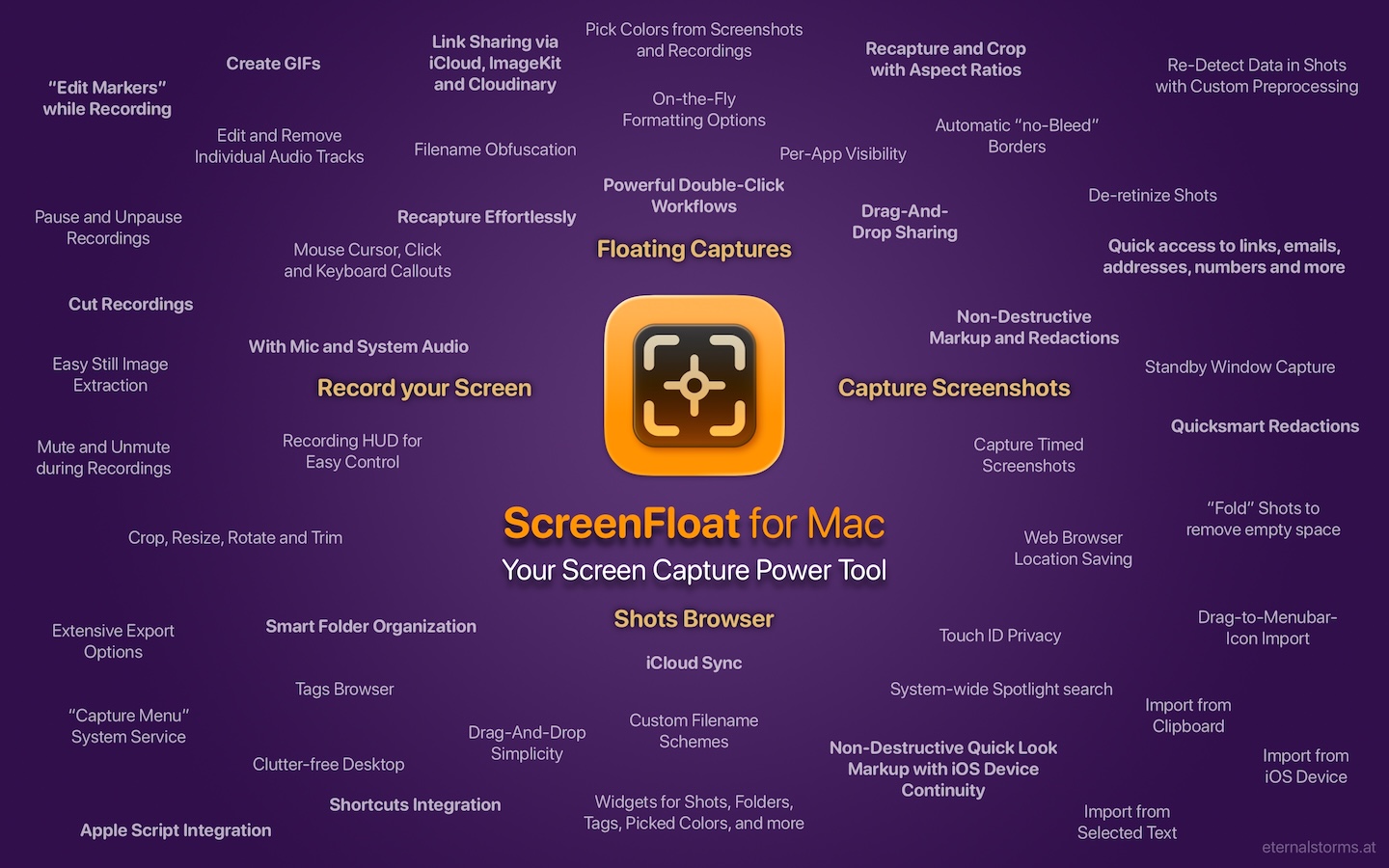
ScreenFloat is your Mac’s Screen Capture Power Tool.
Capture screenshots and recordings that float above other windows, allowing you to reference anything on your screen, anywhere. It’s like Picture-in-Picture, only for screen captures.
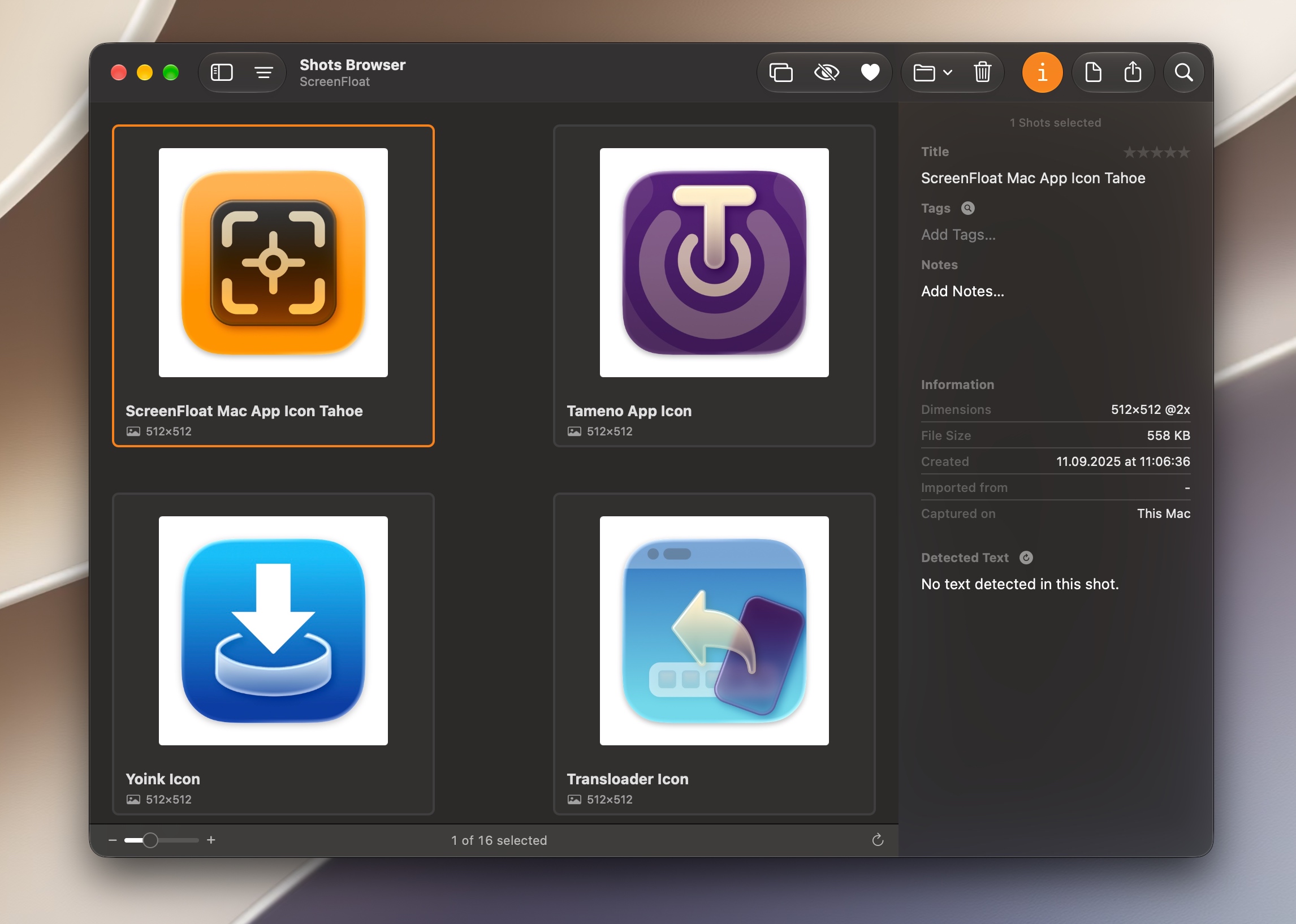
It keeps your Desktop clutter-free, as every capture you make is stored in its Shots Browser, where you can manage, organize and find your shots. They’re also synced across your Macs over iCloud.
Easily copy the non-copyable, as ScreenFloat recognizes text, barcode and faces in your shots, which also allows you to effortlessly redact sensitive parts of your screenshots.
Add non-destructive annotations, redactions and markup, crop, “fold“, resize, or de-retinize your shots. Quickly pick colors.
Mute, trim and cut your recordings with the aid of “edit markers” you can place while recording. Export them as GIFs.
Create shareable and embeddable links for your captures using iCloud, ImageKit.io or Cloudinary.com.
And so much more.

A screenshot is just a screenshot. Until you use ScreenFloat.

Tip: Check out the Get to Know ScreenFloat 2 Blog Post series for a deep-dive into its functionality and what it can do for you.

“A brilliant app”

Prof. Brian Whalley @ Mac App Store

What’s New in ScreenFloat v2.3.11

  • Ensures compatibility with macOS 27 “Golden Gate”
  • Minor improvements made to window shadow removal

👉 For the full release notes, please click here 👈

“Brilliant. Useful. Amazing.”

dan38882 @ Mac App Store

Links and Availability

ScreenFloat is a one-time purchase on the Mac App Store or my website for currently USD 17.99 / EUR 19,99 / GBP 17.99.
It is also part of Setapp.
There is no difference in functionality between the different versions.
As with all previous updates, v2.3.11 is completely free for existing customers.
A free, 28-day trial is available for download.
ScreenFloat requires macOS 12.3 Monterey (macOS 26 Tahoe recommended for full functionality)
A (free) iCloud account is required if you want to sync your ScreenFloat library across your Macs.
ScreenFloat is currently localized in English, German, Chinese (Simplified), and Dutch.

🔗 ScreenFloat Website + Free Trial + Direct Purchase
🖥️ ScreenFloat on the Mac App Store
➡️ ScreenFloat on Setapp (offers a 7-day trial for all 200+ apps, including my Mac apps Yoink and Transloader)
🤩 Eternal Storms Software Productivity Bundle on the Mac App Store (includes ScreenFloat, Yoink for Mac, Transloader and DeskMat at ~20% off)

📖 Get to Know ScreenFloat 2 Blog Post Series | User Guide
💡 ScreenFloat 2 Usage Tips

💌 Contact & Connect

A note on in-app purchases in the Mac App Store version: These are completely voluntary tips you can give me to support me and the development of my apps beyond the one-time purchase price. No additional functionality can be unlocked by giving tips. Your one-time purchase gives you to the complete functionality of ScreenFloat.

“An app that I honestly don’t know how I lived without it”

Chariklia M. @ Setapp

I hope you enjoy ScreenFloat (and my other apps) : )

“One of my most used Apps!”

paradox2222 @ Mac App Store
Read more

source: apple.com

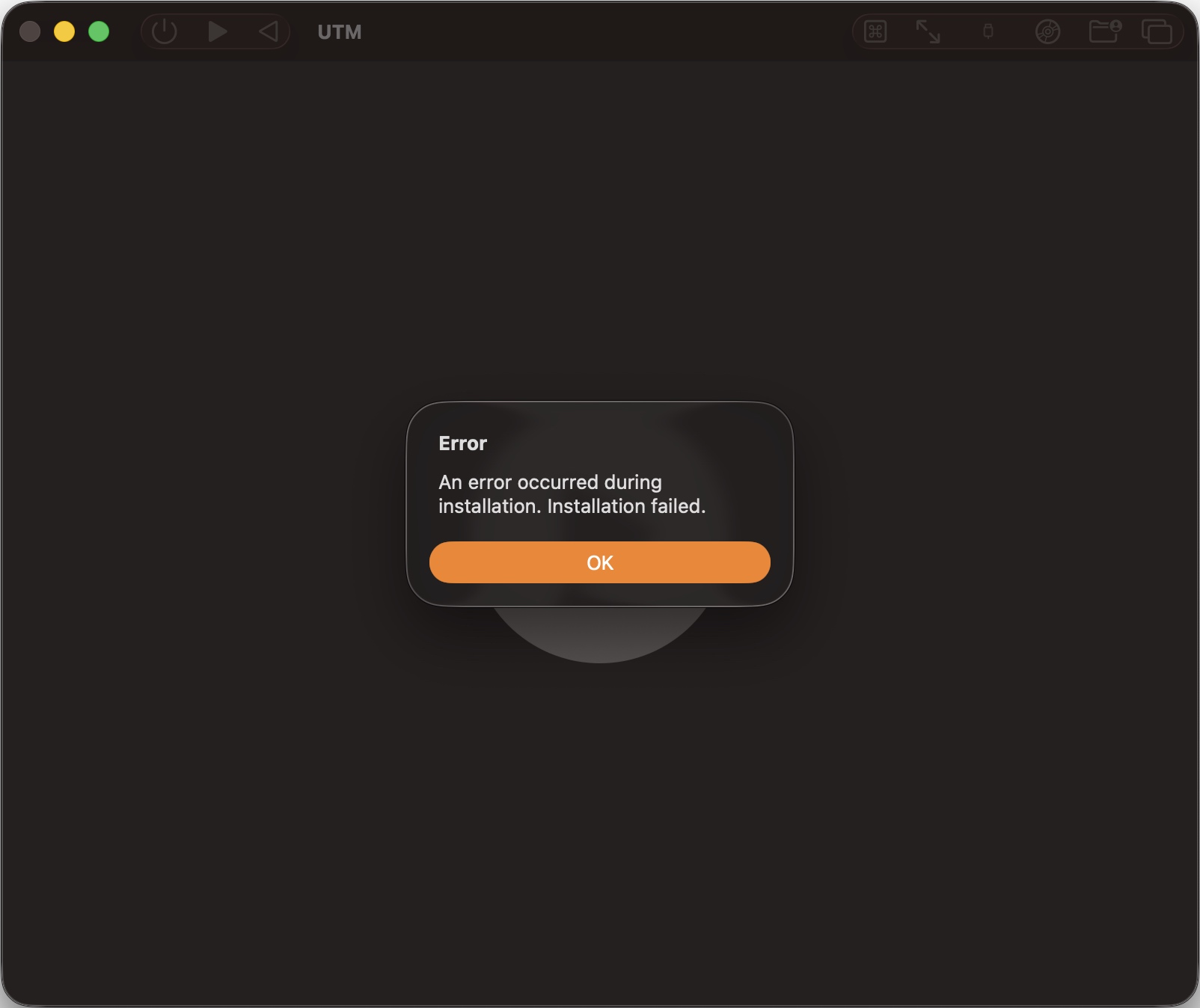
If you’re getting an error trying to install the macOS 27 beta ipsw from developer.apple.com/downloads/os in UTM…

error installing macOS 27 directly in a UTM VM

… I have a solution for you.

Some recommend downloading Xcode 27, installing it, and installing its MobileDevices.pkg and maybe CoreTypes.pkg and a bunch of others. Some report it works, others that it doesn’t.


Here’s what worked for me, on an M1 Max MacBook Pro with macOS 26.5.1:


  • Download the macOS Tahoe 26.x ipsw
  • Install it into a new VM in UTM
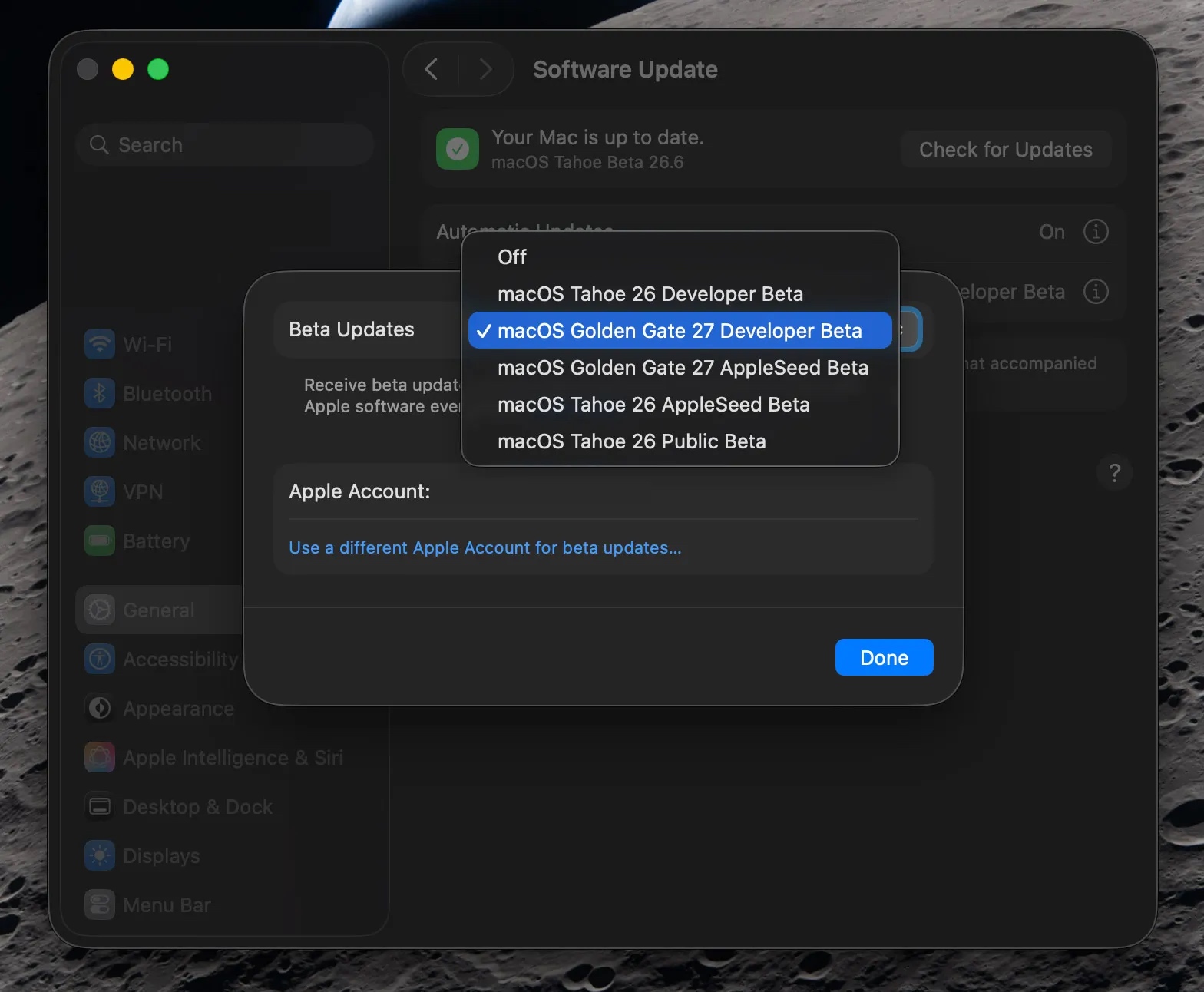
  • Log in to your developer account in System Settings
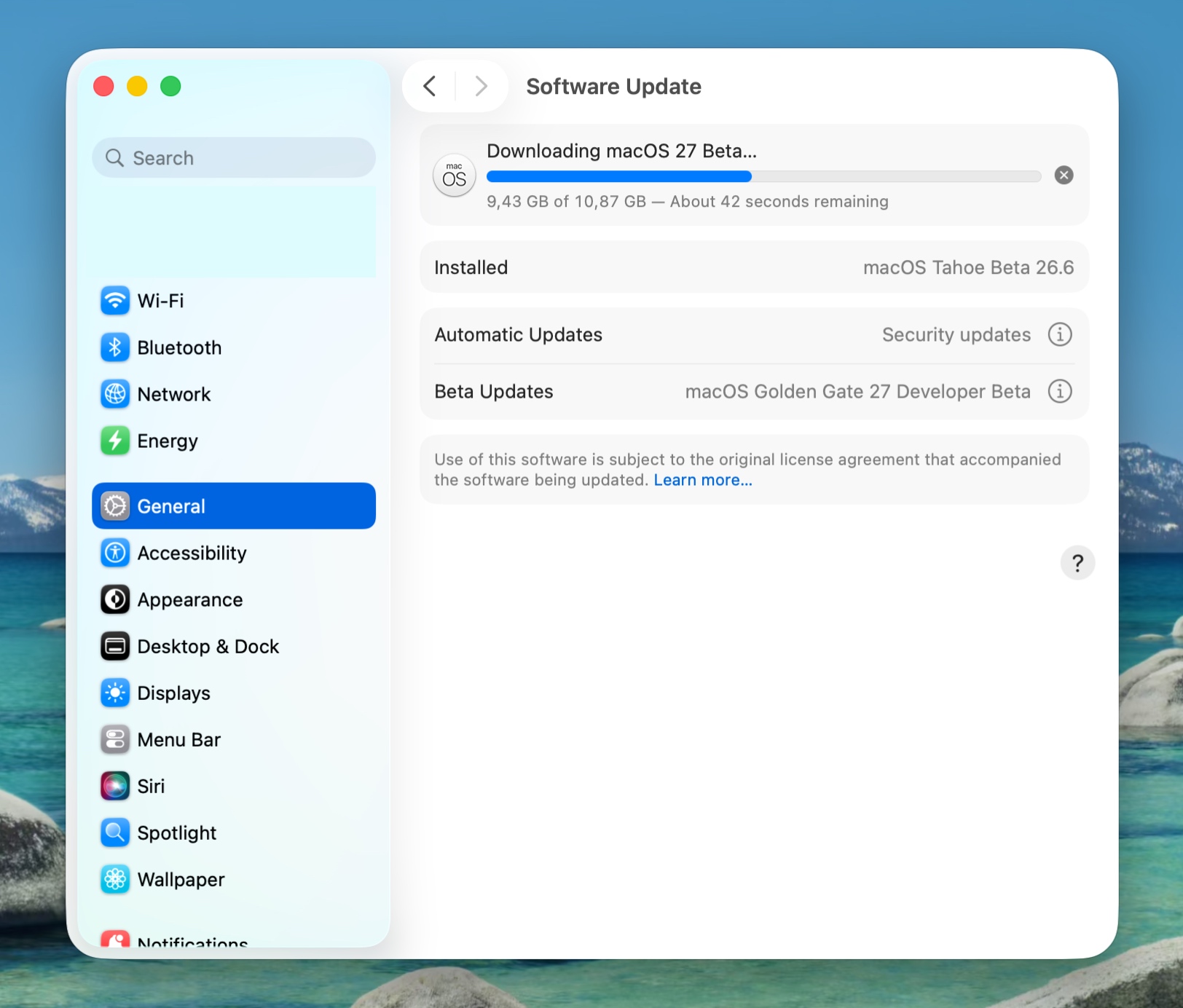
  • Update to macOS Golden Gate 27
allowing beta updates in System Settings, source: 9to5mac.com
the upgrade is downloading
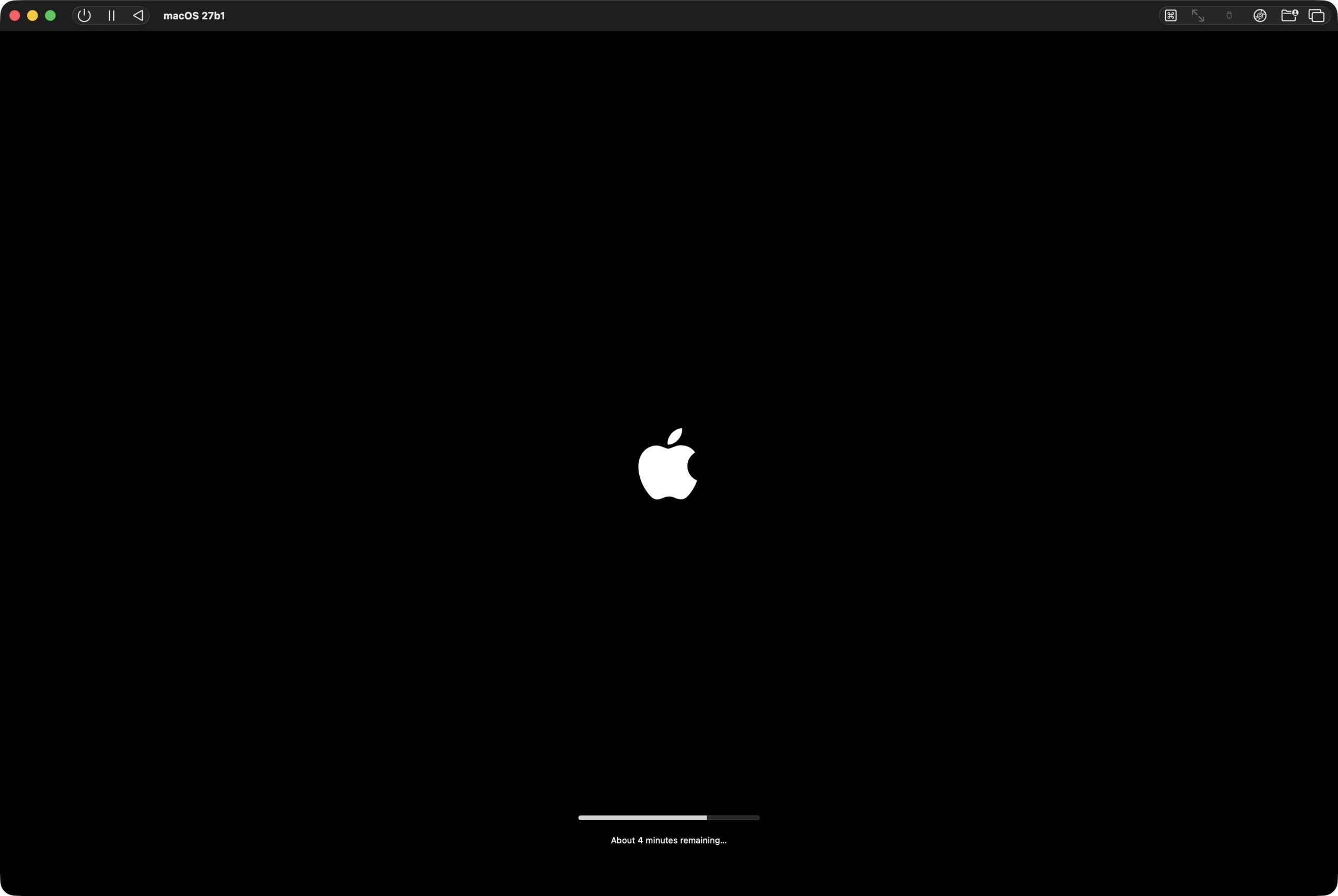
the upgrade is installing
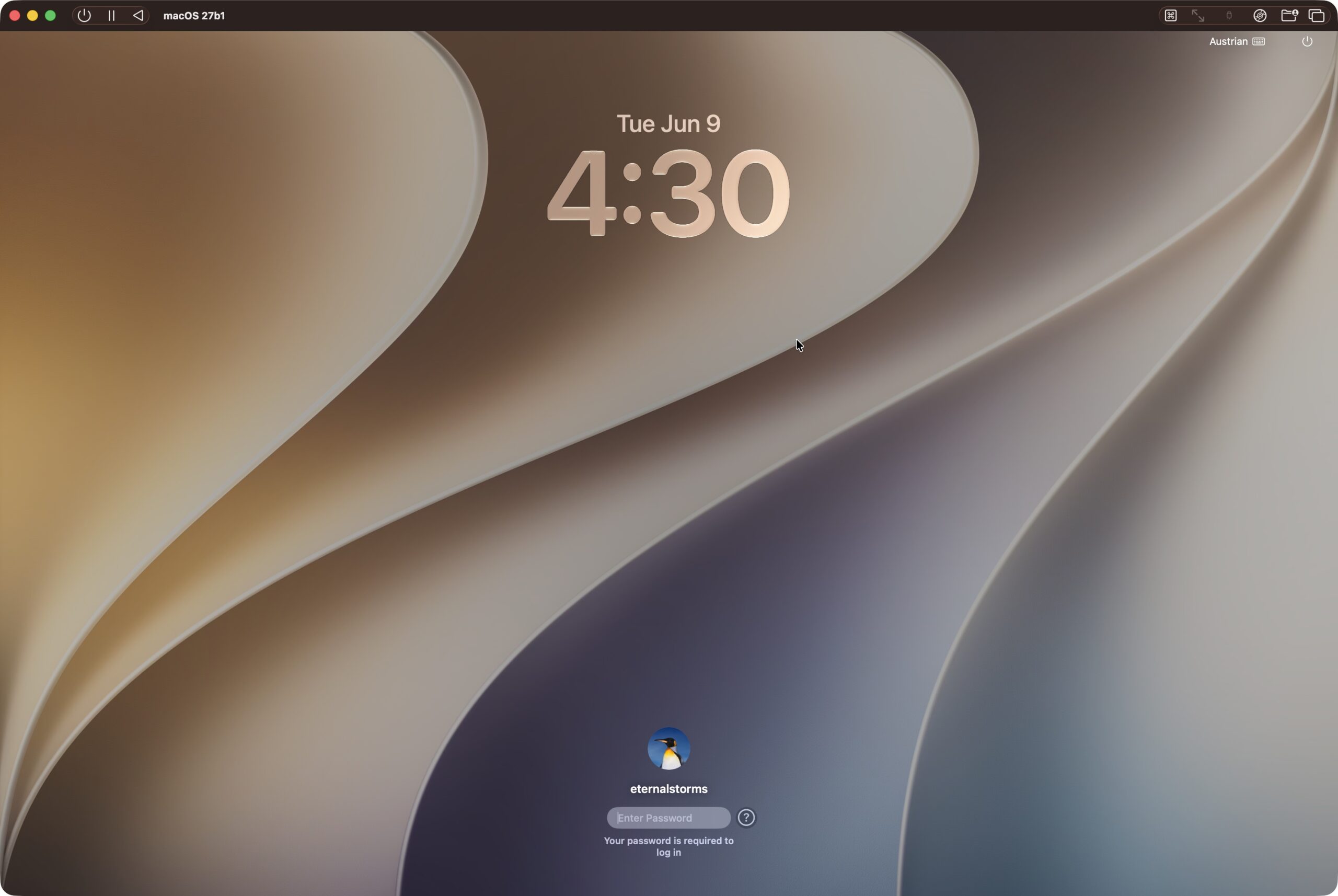
macOS Golden Gate 27 is installed and ready to use

Hope it helps : )

Apps | Contact & Connect

Read more