
Release Notes

ScreenFloat v2.2.5 – your Mac’s Screen Capture All-Rounder – is now available on the Mac App Store, and for the first time in a looong time, also available for purchase directly from my website.


What is ScreenFloat?

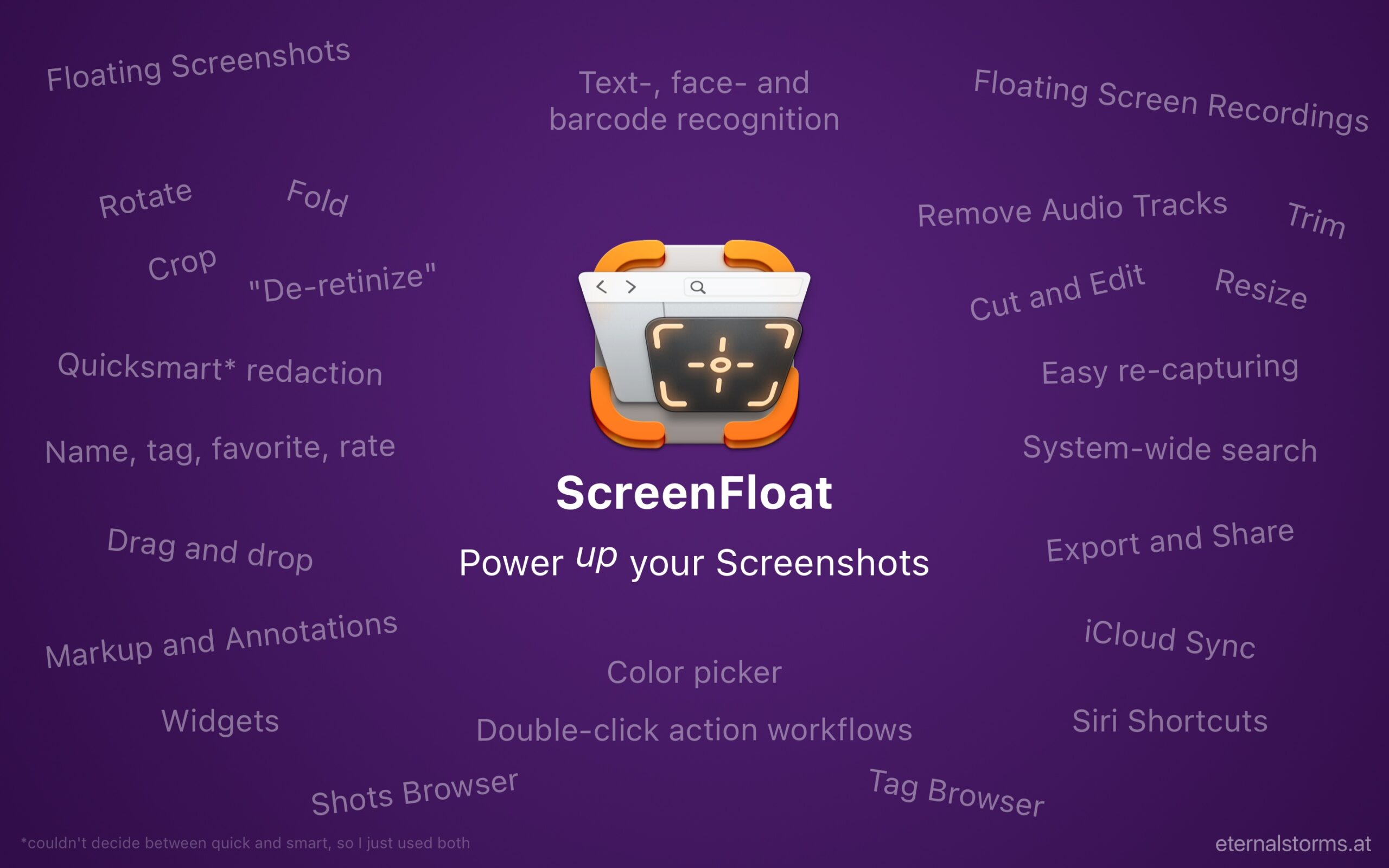
ScreenFloat is your Screen Capture All-Rounder.
Capture screenshots and recordings that float above other windows, allowing you to reference anything on your screen, anywhere. It’s like Picture-in-Picture, only for screen captures.
It keeps your Desktop clutter-free, as every capture you make is stored in its Shots Browser, where you can manage, organize and find your shots. They’re also synced across your Macs.
Easily copy the non-copyable, as ScreenFloat recognizes text, barcode and faces in your shots, which also allows you to effortlessly redact sensitive parts of your screenshots.
Add non-destructive annotations, redactions and markup, crop, “fold“, resize, or de-retinize your shots, or trim, cut or mute your recordings. Quickly pick colors.
Create shareable and embeddable links for your captures using iCloud, ImageKit.io or Cloudinary.com.
And so much more.

A screenshot is just a screenshot. Until you use ScreenFloat.
Tip: Check out the Get to Know ScreenFloat 2 Blog Post series for a deep-dive into its functionality and what it can do for you.


What’s New in ScreenFloat v2.2.5

  • Floating shots now show their dimensions and file size at a glance
  • The Shortcuts list is now more organized and mirrors the folder structure you have set up in Shortcuts.app
  • Shortcuts and Apple Scripts can now be run with more than just one shot, and are also accessible from the Shots Browser
  • ScreenFloat now asks before restoring a session with a lot of floating shots, which may impact system performance
  • On macOS 15.2 and upward, option-only shortcuts are allowed again
  • A few bug fixes here and there

What Customers Say About ScreenFloat

  • “So good I don’t even think about it” – tommykrause, Mac App Store
  • “A “Must Have!” ” – The Real DoctorDuck, Mac App Store
  • “Love it” – Shave land, Mac App Store

Links and Availability

ScreenFloat is a one-time purchase, available on the Mac App Store for USD 14.99 / EUR 15,99 / GBP 14.99 , and as a direct purchase from my website. It is a free update for existing customers.
There is no difference in functionality between the version obtained from the Mac App Store, or purchased from my website.
A free, 28-day trial is available for download.
ScreenFloat requires macOS 12 Monterey (macOS 14 Sonoma recommended for full functionality)
A (free) iCloud account is required if you want to sync your ScreenFloat library across your Macs.
ScreenFloat is currently localized in English, German, Chinese (Simplified), and Dutch.

ScreenFloat Website + Free Trial + Direct Purchase
ScreenFloat on the Mac App Store
Eternal Storms Software Productivity Bundle on the Mac App Store (includes ScreenFloat, Yoink for Mac and Transloader at ~25% off)

Get to Know ScreenFloat 2 Blog Post Series
ScreenFloat 2 Usage Tips

Contact & Connect


I hope you enjoy ScreenFloat (and my other apps) : )

Read more

ScreenFloat v2.2.2 is now available and fixes a couple of irritating bugs.


What is ScreenFloat?

ScreenFloat is your Screenshot All-Rounder.
Capture screenshots and recordings that float above other windows, allowing you to reference anything on your screen, anywhere. It’s like Picture-in-Picture, only for screen captures.
It keeps your Desktop clutter-free, as every capture you make is stored in its Shots Browser, where you can manage, organize and find your shots. They’re also synced across your Macs.
Easily copy the non-copyable, as ScreenFloat recognizes text, barcode and faces in your shots, which also allows you to effortlessly redact sensitive parts of your screenshots.
Add non-destructive annotations, redactions and markup, crop, “fold“, resize, or de-retinize your shots, or trim, cut or mute your recordings. Quickly pick colors.
Create shareable and embeddable links for your captures using iCloud, ImageKit.io or Cloudinary.com.
And so much more.

A screenshot is just a screenshot. Until you use ScreenFloat.

Tip: Check out the Get to Know ScreenFloat 2 Blog Post series for a deep-dive into its functionality and what it can do for you.


What’s New in ScreenFloat v2.2.2

  • Fixes a bug where sometimes recording the screen would fail
  • Fixes a bug that would cause all screenshots to be copied instead of displayed if the keyboard shortcut to trigger the screenshot contained the control modifier key
  • Fixes a bug where the video recording settings panel would not come up when re-capturing an area

Links and Availability

ScreenFloat is a one-time purchase, exclusively available on the Mac App Store for USD 15.99 / EUR 14,99 / GBP 15.99 , and a free update for existing customers.
A free, 28-day trial is available for download from the website.
It requires macOS 12 Monterey (macOS 14 Sonoma recommended for full functionality)
A (free) iCloud account is required if you want to sync your ScreenFloat library across your Macs.
ScreenFloat is currently localized in English, German, Chinese (Simplified), and Dutch.

ScreenFloat Website + Free Trial
ScreenFloat on the Mac App Store
Eternal Storms Software Productivity Bundle on the Mac App Store (includes ScreenFloat, Yoink for Mac and Transloader at ~25% off)

Get to Know ScreenFloat 2 Blog Post Series
ScreenFloat 2 Usage Tips

Contact & Connect


I hope you enjoy ScreenFloat (and my other apps) : )

Read more

ScreenFloat v2.2.1, a free update for existing customers, is now available on the Mac App Store and includes numerous improvements for cutting recordings, automation, and more.


What is ScreenFloat?

ScreenFloat is your Screenshot All-Rounder.
Capture screenshots and recordings that float above other windows, allowing you to reference anything on your screen, anywhere. It’s like Picture-in-Picture, only for screen captures.
It keeps your Desktop clutter-free, as every capture you make is stored in its Shots Browser, where you can manage, organize and find your shots. They’re also synced across your Macs.
Easily copy the non-copyable, as ScreenFloat recognizes text, barcode and faces in your shots, which also allows you to effortlessly redact sensitive parts of your screenshots.
Add non-destructive annotations, redactions and markup, crop, “fold“, resize, or de-retinize your shots, or trim, cut or mute your recordings. Quickly pick colors.
Create shareable and embeddable links for your captures using iCloud, ImageKit.io or Cloudinary.com.
And so much more.

A screenshot is just a screenshot. Until you use ScreenFloat.

Tip: Check out the Get to Know ScreenFloat 2 Blog Post series for a deep-dive into its functionality and what it can do for you.


What’s New in ScreenFloat v2.2.1?

  • When you cut your recordings, you now get more info about the resulting video, where the playhead is, and how long your individual cuts are.
    Also, preview playback has been improved, as well as scrubbing through the recording.
  • There’s now an easier way to make new cuts, by holding down X on your keyboard as you play back your recording:
  • Standby Window Capture (macOS 14 or newer required) – grab a screenshot of any window from its green resize button, or from the Capture item in your menu bar.
  • AppleScripts and Shortcuts can now be run on floating shots directly, in addition to the already existing Double-Click Workflow Actions.
  • The new Permissions overview gives you all the details you need to know about why, how and when ScreenFloat makes use of certain privileges you grant it
  • You’re now able to set a floating shot’s visibility not only to the currently active app, but any currently running app
  • And many more minor improvements and bugfixes, like the Shortcuts app no longer launching right away when setting up a new Double-Click action, or the cutting window remembering its size.

Links and Availability

ScreenFloat is a one-time purchase, exclusively available on the Mac App Store for USD 15.99 / EUR 14,99 / GBP 15.99 , and a free update for existing customers.
A free, 28-day trial is available for download from the website.
It requires macOS 12 Monterey (macOS 14 Sonoma recommended for full functionality)
A (free) iCloud account is required if you want to sync your ScreenFloat library across your Macs.
ScreenFloat is currently localized in English, German, Chinese (Simplified), and Dutch.

ScreenFloat Website + Free Trial
ScreenFloat on the Mac App Store
Eternal Storms Software Productivity Bundle on the Mac App Store (includes ScreenFloat, Yoink for Mac and Transloader at ~25% off)

Get to Know ScreenFloat 2 Blog Post Series
ScreenFloat 2 Usage Tips

Contact & Connect


I hope you enjoy ScreenFloat (and my other apps) : )

Read more

ScreenFloat v2.2, a free, feature-laden update to my screenshot and recording allrounder Mac app, is now available on the Mac App Store. You can now cut your screen recordings and individual audio-tracks, have more options for upload-and-copy-link sharing, run AppleScripts and Shortcuts with your shots, and more.


What is ScreenFloat?

With ScreenFloat, you make captured screenshots and recordings float above all other windows, so anything you can capture is always in sight for reference. Think of it like Picture-in-Picture, only for captures. And that’s only the beginning.
It keeps your Desktop clutter-free by storing shots in the Shots Browser, where you can organize, collect, tag, rate and favorite them.
It recognizes text, faces and barcodes so you can effortlessly extract, copy, share and quicksmart-redact them. It syncs your shots via iCloud across your Macs.
Add annotations and markup, crop, “fold“, resize, de-retinize, trim, and mute your shots, and more.
A screenshot is just a screenshot. Until you use ScreenFloat.

Tip: Check out the Get to Know ScreenFloat 2 Blog Post series for a deep-dive into its functionality and what it can do for you.

Eternal Storms Software Blog

What’s New in ScreenFloat v2.2?

Video Cutting

You can now cut individual sections out of your screen recordings. And even better, you can select individual audio tracks you’d like to cut, so if you accidentally cough during a recording, you’ll be able to cut that out (but keep the system sound), or if a system sound is going off you don’t want in the recording, you can remove that (but keep your mic sound).
Quite a lot of users of ScreenFloat (myself included) have been waiting for this, and I’m happy it’s finally here.

Read more about cutting videos in Part IV of my “Get to Know ScreenFloat 2” Blog Post series: Edit – OCR, Annotate, Crop, Fold, Resize, Rotate, Trim, Cut and Mute.

Enhanced Link Sharing

With Link Sharing, you share a link to a shot instead of the actual shot, making it easier to share large or multiple files. Expiring iCloud Links have been available since ScreenFloat 2.0.
ScreenFloat v2.2 now supports ImageKit.io and Cloudinary.com as alternatives, allowing you to create non-expiring, shareable and embeddable links to your shots. Just like with iCloud link sharing, these can be created in a double-click workflow, making uploading and sharing links an absolute breeze.

Read more about Link Sharing in Part V of my “Get to Know ScreenFloat 2” Blog Post series: Share – Drag and Drop, Link Sharing, Export.

Double-Click Actions for AppleScript and Shortcuts

Automation is one of the things that make the Mac so great. With ScreenFloat 2.2, you can now send your screenshots or recordings off to an AppleScript, or a Shortcut, with a double-click workflow.
I’m already using this myself to upload shots to my server using an AppleScript, and then copy a link to it to my clipboard (like Link Sharing offers, just with my own server). It’s very neat, if I may say so myself!
You can find the instructions here.

For more information about double-click workflows, see Part VII of my “Get to Know ScreenFloat 2” Blog Post series: Integrate – Widgets, Siri Shortcuts, AppleScript, Workflows, Spotlight.

URL Scheme

In that same automation-vein, you can now call ScreenFloat’s capturing abilities (and more) using its url scheme, “esssf2“. Capture screenshots, timed screenshots, screen recordings, or content on your clipboard, and start “after capture” actions, like instant annotation, cropping, or cutting.
You can find more information here.

Interactive Release Notes

Showing what’s new in an app is nice and all, but what if the release notes could actually take you right to that new feature, or show instructions, or show more info for an improvement? That’s exactly what I did here. Watch a short video instruction, get directed to a feature within the app, see a screenshot for more detail, or follow a link for more instructions, right from the new “What’s New” panel.

And More!

  • A PopClip Extension
  • A new Siri Shortcut to create shots from the contents of your clipboard
  • Smart Folders and Search now can filter for File Size
  • All Capture shortcuts in Shortcuts.app now have an “After Capture” option so you can go into annotating, cropping, resizing, trimming, cutting (etc.) right away after the capture
  • Minor improvements and bug fixes

Links and Availability

ScreenFloat is a one-time purchase, exclusively available on the Mac App Store for USD 15.99 / EUR 14,99 / GBP 15.99 , and a free update for existing customers.
A free, 28-day trial is available for download from the website.
It requires macOS 12 Monterey (macOS 14 Sonoma recommended for full functionality)
A (free) iCloud account is required if you want to sync your ScreenFloat library across your Macs.
ScreenFloat is currently localized in English, German, Chinese (Simplified), and Dutch.

ScreenFloat Website + Free Trial
ScreenFloat on the Mac App Store
Eternal Storms Software Productivity Bundle on the Mac App Store (includes ScreenFloat, Yoink for Mac and Transloader at ~25% off)

Get to Know ScreenFloat 2 Blog Post Series
ScreenFloat 2 Usage Tips

Contact & Connect


I hope you enjoy ScreenFloat (and my other apps) : )

Read more