tvOS

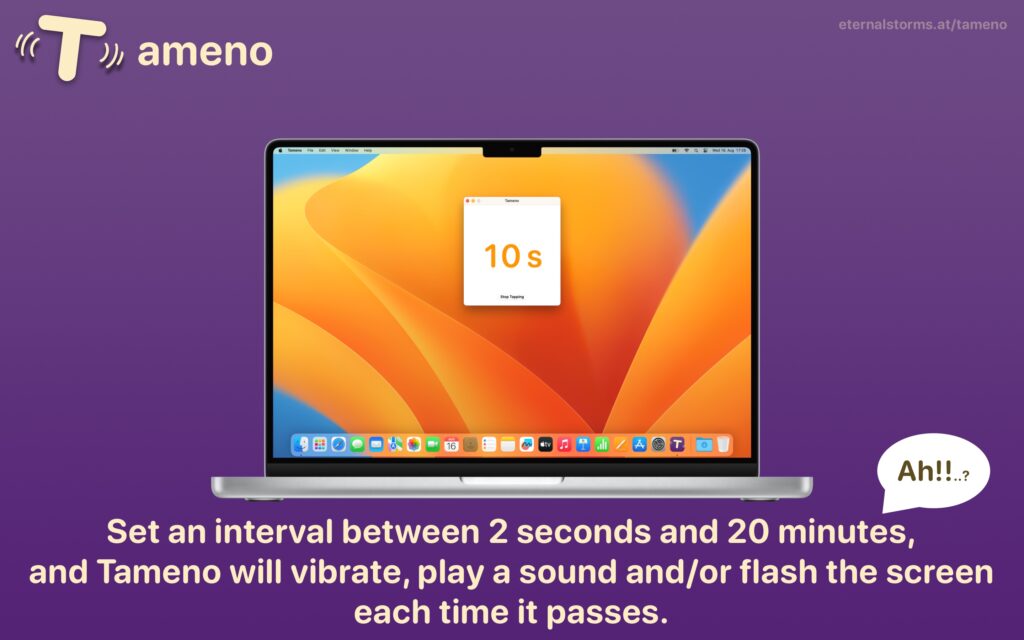
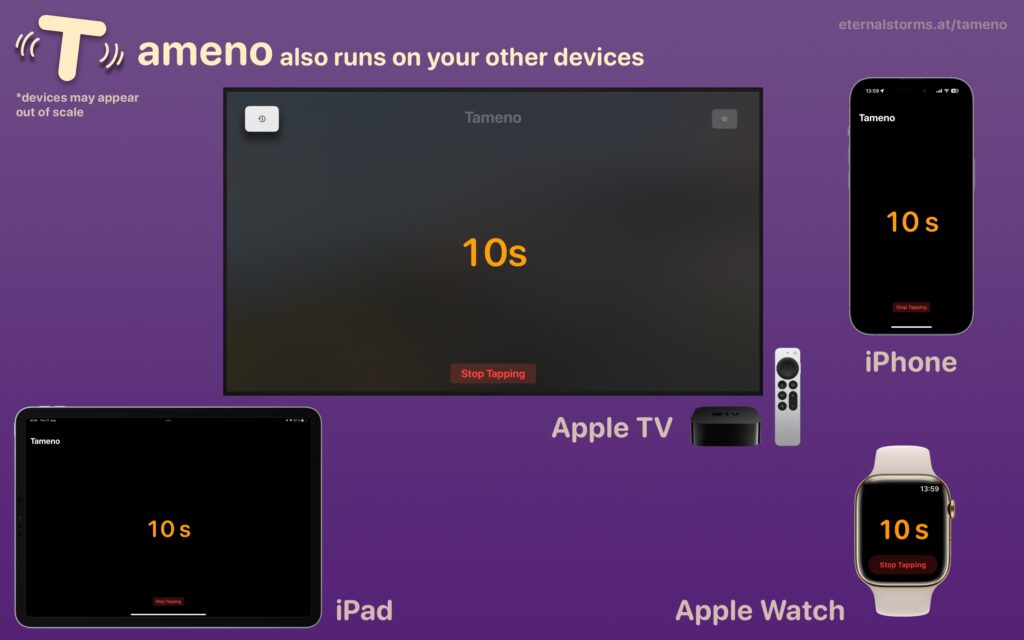
Tameno for Apple Watch, iPhone, iPad, Mac and Apple TV helps you stretch, brush your teeth, do exercises, water your plants, meditate, do yoga, and so much more, with auto-repeating timers. Set an interval, and it’ll inform you every time it elapses.
Version 1.2.5 adds more audio feedback options, improves background execution on the Watch, and more.


What is Tameno?

I have an electric toothbrush. It has a built-in 30sec timer, so I can brush each quadrant of my teeth for the same amount of time. But what about each side of each quadrant? I needed a 10-second self-repeating interval that would tell me to move on. That’s where the idea for Tameno came from.
Now, I just start Tameno at a 10 second interval, and until I’m done brushing, it’ll let me know that 10 seconds have passed continuously. Perfect. Now I can also do my stretches without having to count in my head, or water my hedge-plants for the same amount of time. Bliss!
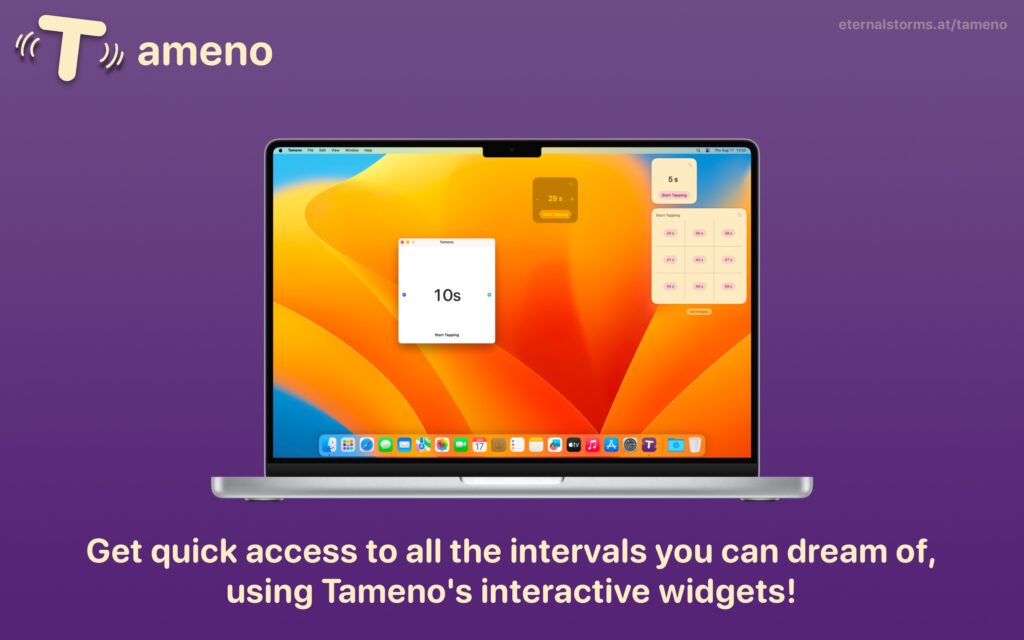
With widgets on your lock screen, home screen or in Control Center, and custom shortcuts in the Shortcuts app, your favorite intervals are always just a tap away!


What’s New in Tameno v1.2.5?
  • New audio feedback sound options: In addition to “Tick”, there’s now “Bamboo”, “Wood”, “Chime”, “Glass”, “Service Bell” and “Bell”.
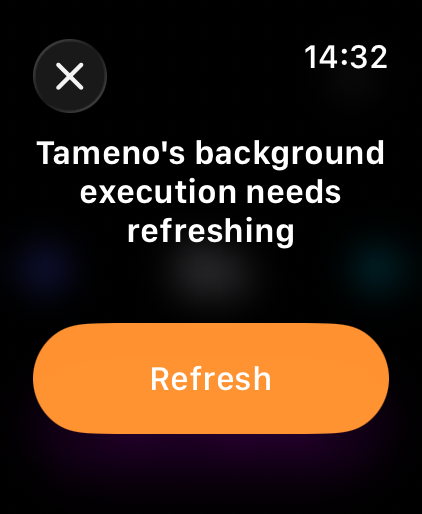
  • The background execution on Apple Watch has been improved, in that it now lets you know when its allotted time is about to run out so you can continue without interruptions
  • Fixes UI issues on Apple TVs running tvOS 26
  • More haptic feedback, better scrolling-adjustments on macOS, and other fixes

👉 For the full release notes, please click here 👈


Links and Availability

➡️ Website

❗️Tameno is a one-time lifetime universal app purchase. That means you purchase it once (on the store of your choice), and are then free to use it on your Apple Watches, and iPhones, and iPads, and Macs, and Apple TVs.
The app requires macOS 13, iOS 16, watchOS 9.4 and tvOS 16 or newer and is currently localized into English, German, French, Italian, Spanish, Dutch, Japanese and Simplified Chinese.

🖥️ Mac App Store
📱 iPhone App Store / iPad App Store
⌚️ watchOS App Store
📺 tvOS App Store

💡 Get to Know Tameno (User Guide)

💌 Contact & Connect


If you have any feedback or questions, please don’t hesitate to use the contact link above, or below : )
Have a great day, and thank you for stopping by.
Read more

Tameno v1.0.6 is now available, implementing a bunch of improvements and fixes.

What is Tameno?

Tameno is your interval-based, self-repeating timer.
You want to stretch parts of your body 15 seconds each? Tameno.
You’d like to do Yoga poses for 30 seconds each? Tameno.
You want to water each of your hedge-plants for 45 seconds each? Tameno.
You want to brush each side of every quadrant of your teeth equally for 10 seconds? Tameno.
You want to make sure to look away from your screen every 20 minutes? Tameno.
You meditate and re-align every couple of minutes? Tameno.
You want to advance your slideshow at an even pace? Tameno.

The point is: Tameno – Stop counting. Start doing.

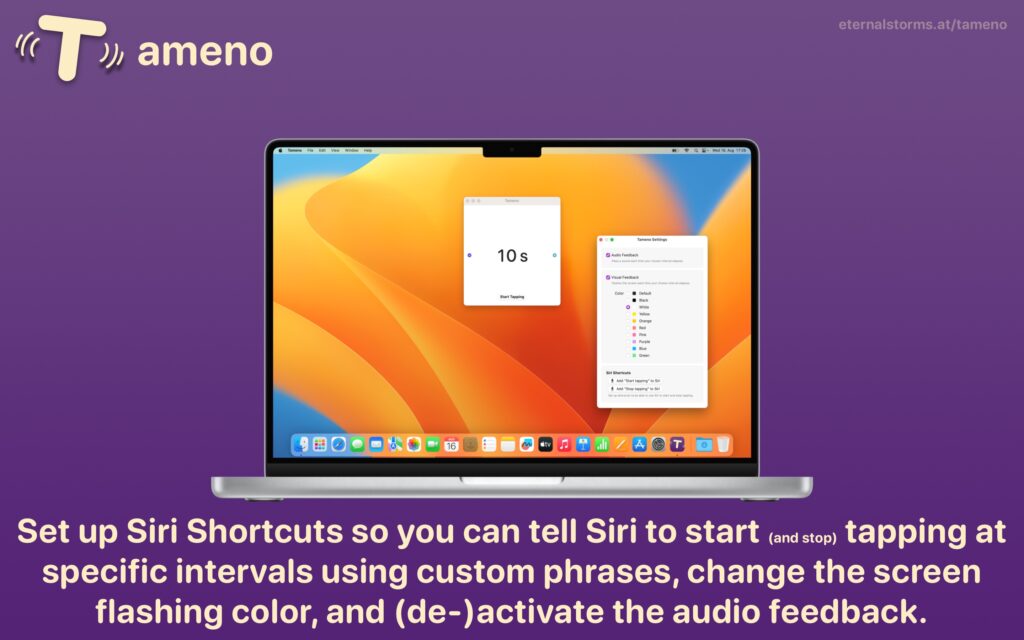
It features Siri Shortcuts integration, interactive Widgets, and syncs your recently used intervals across all your devices.


“I’ve been looking for exactly this app!”

Bernd, by eMail

“The only app of its kind! It’s great because of its versatility.”

MolluscaPhylum, Mac App Store (US)

What’s New in Tameno v1.0.6

Bug fixes aside (in some translations, the interval could be cut off, or on the Watch, the Settings screen was not immediately scrollable using the Digital Crown), the following improvements have been made:

  • Better support for Always-On displays on Apple Watch
  • On Apple TV, you can now change the interval by seconds and by minutes, by long-pressing the + and – buttons
  • On Mac, changing the interval by minutes with the arrow keys (left and right) and scrolling (left and right) is now possible. Up and down still changes by seconds
  • On Mac, CPU usage has been drastically reduced if the app is in the background

Availability, Links

Tameno is a universal purchase: buy it on one platform (Apple Watch, iPhone, iPad, Mac, or Apple TV) and use it on all the others without an additional purchase.
The app is a one-time purchase on the App Stores, at the price of USD/EUR/GBP 3.99, currently available in English and German.

Tameno Website
Tameno on the Mac App Store
Tameno on the iOS App Store

Tameno – Stop counting. Start doing.
Enjoy : )


Read more

Tameno – your self-repeating tapping interval timer – is now available in version 1.0.5 and brings a couple of nice additions to the Mac app.
Here’s what’s new in the Mac app:

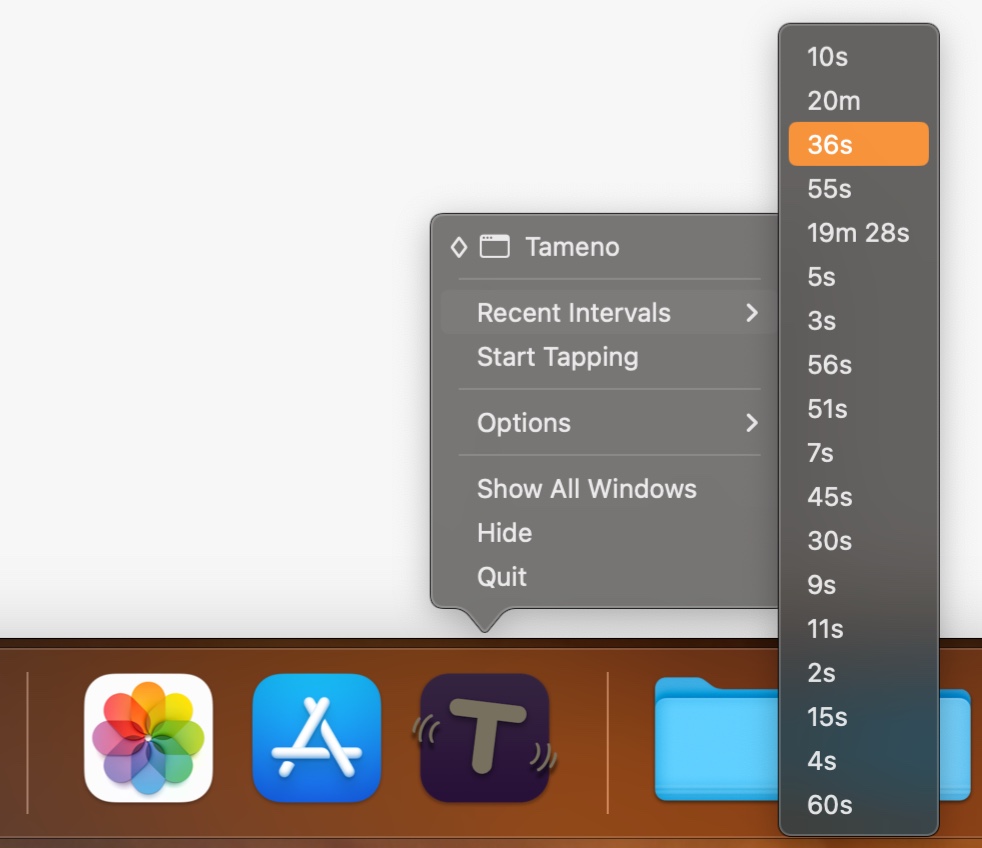
Dock Menu

Start and stop intervals from Tameno’s icon in your Dock, or change it to one of your recent ones.

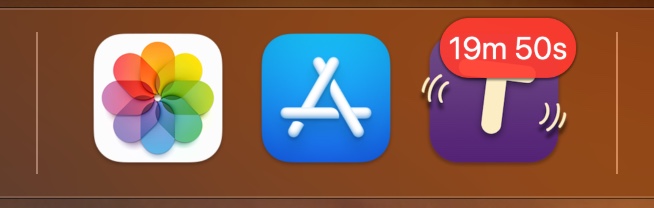
Dock Icon Badge

See at a glance how much time is left in your interval by looking at Tameno’s icon in your Dock (you can turn it on and off in the app’s settings).

Menu Bar Display

Additionally to the Dock icon badge, or alternatively to it, you can enable Tameno’s display in your menu bar (which only appears when the app is tapping you; there’s a toggle for this, too, in the app’s settings).

Links and Availability

Tameno is exclusively available on the App Stores for Apple Watch, iPhone, iPad, Mac and Apple TV.
It’s a universal one-time purchase, for USD 3.99 / EUR 3,99 / GBP 3.99.
Tameno is currently available in English and German and requires watchOS 9.4, iOS 16.6, iPadOS 16.6, macOS 13.5, or tvOS 16.6.

Tameno Website
Tameno on the Mac App Store
Tameno on the iOS App Store
Tameno on ProductHunt

Enjoy : )
If you have any feedback or questions, please don’t hesitate to contact me. I’d love to hear from you!


Read more

In the latest Xcode beta (currently, 7.1 beta 2), I noticed this in its Release Notes (login required) :

(…)Developers running on Yosemite will not be able to pair the Apple TV Remote with the tvOS Simulator Runtime. (…)

That implies that it’s somehow possible to pair the Apple TV Remote with a Mac running OS X 10.11 El Capitan – but how? There’s no explanation anywhere to be found.

Un-pair the Apple TV Remote

If you’ve already paired your Apple TV Remote with your Apple TV Developer Kit, you won’t be able to pair it with your Mac – you’ll have to un-pair it first.

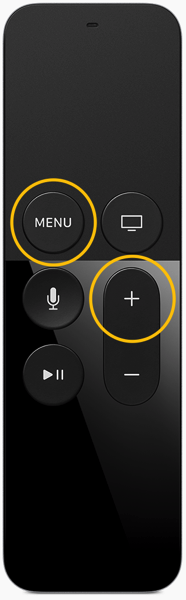
Remote and interaction remote 2xOriginal Image Credit: Apple Inc., markup mine.

A response to this forum threadon the Apple Developer Forums lead me to how to do it: Hold down the Menu and Volume-Up keys on your Apple TV Remote for about 5 seconds, perhaps a little longer, and the Remote’s pairing will be reset.

Pair it with your Mac

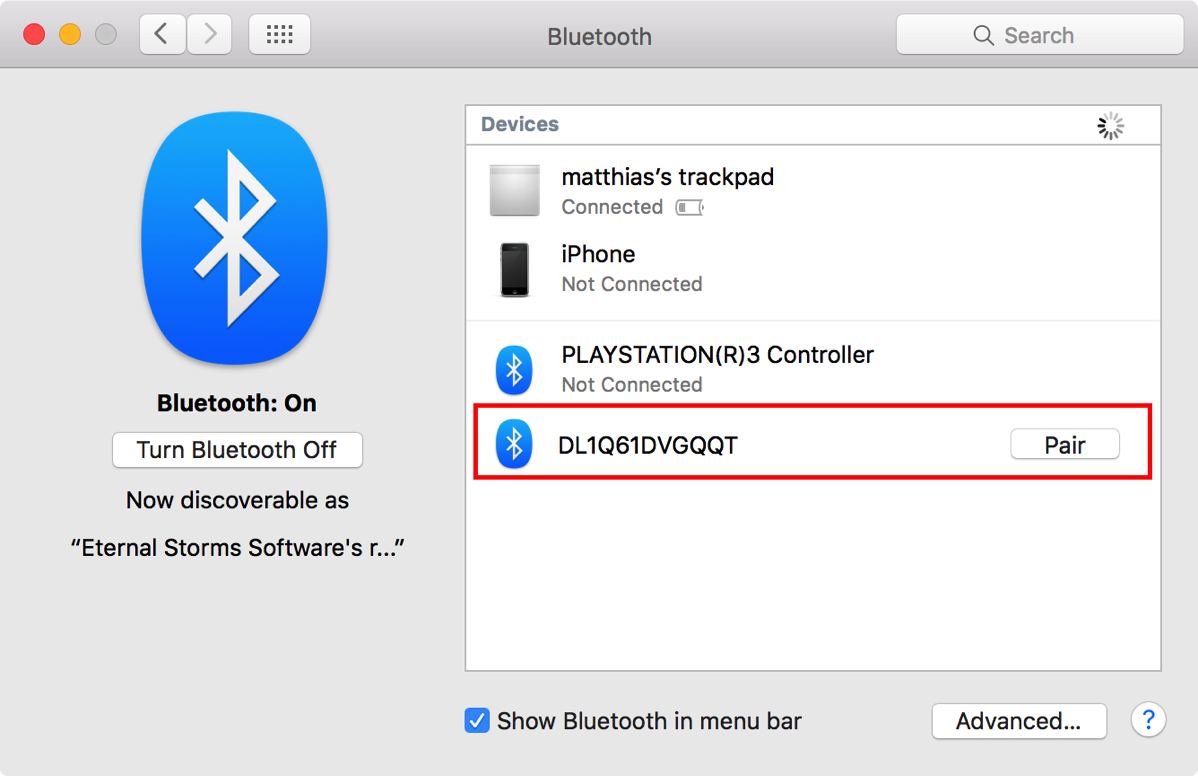
Launch System Preferences and click on Bluetooth. In there, you’ll see something like this:

Screenshot of System Preferences 05 10 2015 17 37 23The Apple TV Remote in System Preferences / Bluetooth.

Click on Pair to pair the Apple TV Remote with your Mac. There should be a spinning wheel for a couple of seconds after which it should be paired.

Ready to Rock

Now the Xcode tvOS Simulator automatically recognizes the paired Apple TV Remote and should respond to anything you do on it. Enjoy 🙂

Update (October 6th, 2015) – Media Control?

Oliver Drobnik (@Cocoanetics on twitter) was interested in what kind of Bluetooth profiles the Apple Developer Kit Remote supports – for example, the Media Control profile to be able to adjust volume, play/pause, etc) – or if it can only be used in Xcode’s Simulator.
He suggested I use the free Bluetooth Scanner App LightBlue to see what profiles it supports.
According to the app and this Apple website that lists the service names, the profiles supported are Battery Service, Bond Management, Device Info and a custom Apple service – so no media control for now.
But thanks to Oliver, now we know.

Read more