I’m happy to announce the release of a new freeware app: BackLog.
The premise is simple:
It’s complicated, or at least cumbersome, to get logs that predate you clicking “Start streaming” in Console.app – Apple’s recommendation for it is to *create an entire system diagnostics report* and look for files in there. Madness.
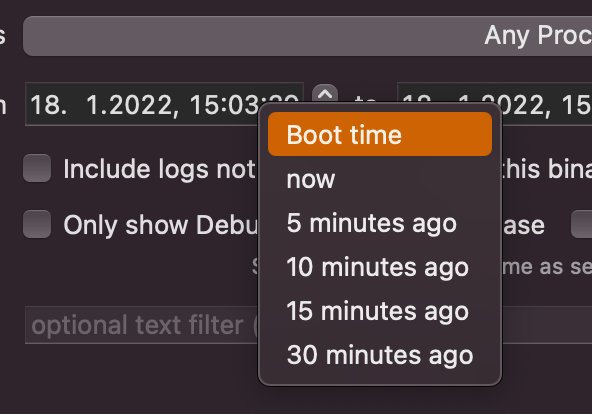
I wanted a quick and easy way to, for example, get all log entries from all processes that happened from boot time to 5 minutes after. And that’s what this app lets me – and now, you – do.
Hello BackLog
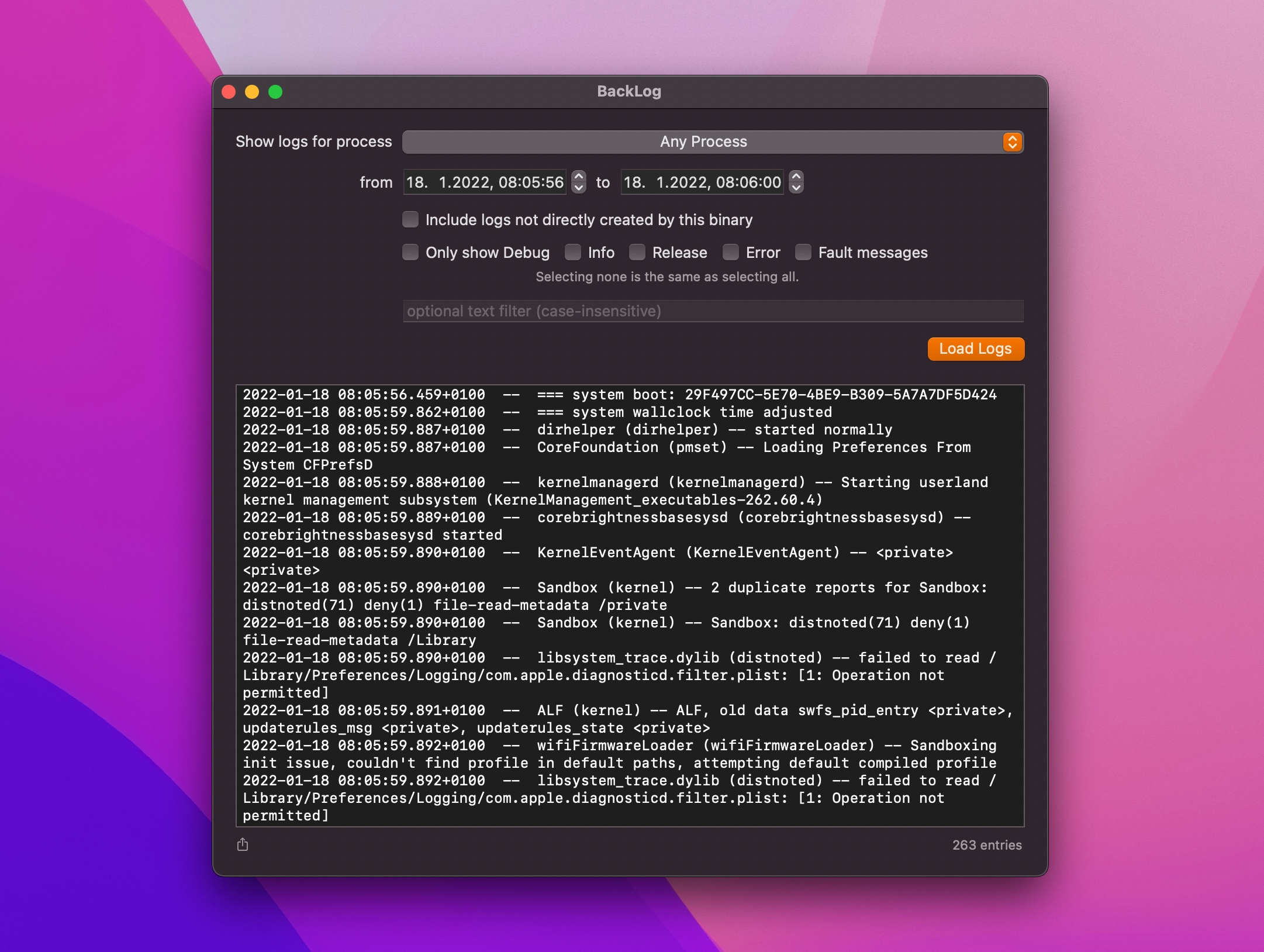
Using BackLog is pretty straight-forward. Select the process you’re interested in, specify a time-range and an optional text-filter and hit Load Logs.
You can then select it all and copy-paste it somewhere, or hit the little Share button at the lower left to share it as a file.
What makes it a Developer Tool?
While diagnostic logs might appear to be of interest mostly to developers, a simple logging-app is not a developer tool to me, per-se.
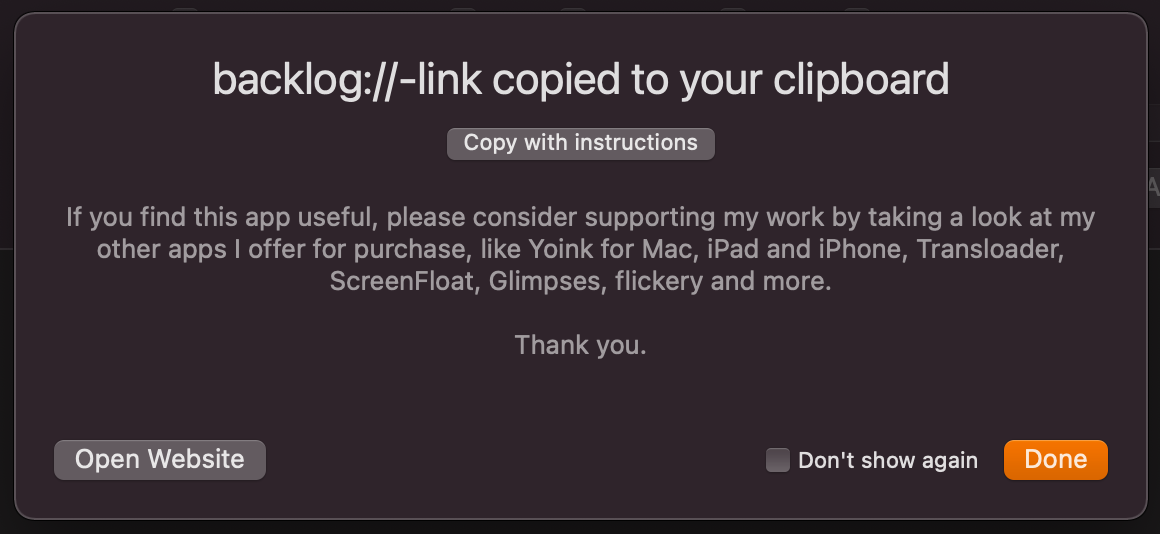
What really makes BackLog such a tool, in my opinion, is that developers can create backlog:// links which they can send to their customers, and, when they have the app installed and click that link, all the options (like process, date range and message type) will be set for them beforehand – no hassle. All the customer has to do is hit Load Logs and send the results back to the developer.
Numerous times I’ve had to deal with obscure app-sandbox or keychain access issues in Yoink, and having to tell customers to please open Console, filter for Yoink, and then (hopefully) reproduce the issue is just bad UX.
Now, I can send them this app with a backlog:// link, with a time range pre-defined, and all they have to do is copy-paste the results into a response to my mail. And best of all – they don’t have to reproduce anything, the logs already contain all the info I need from the last time the issue occurred.
Links and Further Info
BackLog is and will be Freeware. If you like it, however, I’d like to ask you to take a look at my other apps I offer for purchase on the App Stores – thank you 🙂
The app requires macOS 10.15 or newer and is localized – for now – in English and German.
It’s sadly not sandboxed, because the OSLogStore APIs won’t work in the sandbox environment 🤦♂️.
But Hardened Runtime is enabled, and it’s been notarized by Apple.
Naturally, it runs natively on both Apple Silicon and Intel Macs.
For BackLog to work reliably, the app must be run from an admin account, or using ‘sudo’ (user-discretion advised)
Website
Direct Download (801KB, zipped)
It’s also my first app completely written in Swift. That doesn’t make the app any better or worse. It’s just a fun fact.
If you have any feedback or questions, you can reach me any time by eMail. I’m looking forward to hearing from you.
Enjoy 🤗