
During the month of August 2026, you have the chance of winning
• Yoink for Mac
and
• ScreenFloat for Mac
and
• Transloader
and
• DeskMat
👉 in this awesome Mac Geek Gab Giveaway 👈
🍀 Best of Luck 🍀
During the month of August 2026, you have the chance of winning
• Yoink for Mac
and
• ScreenFloat for Mac
and
• Transloader
and
• DeskMat
🍀 Best of Luck 🍀

DeskMat for Mac v1.3.2 – your Desktop-covering companion for more privacy during screen sharing, cleaner streams, and distraction-free work – now has a new widget in addition to the Control Center widget to toggle your Desktop cover.
“Exactly what I needed”
Captain Muso @ Mac App Store
DeskMat helps you:
by providing a simple cover for your Desktop.
With the click of a button, all your files and folders (or selected ones) on your Desktop disappear, and re-appear just as easily when you need them.
Tie the app to your Focus modes or specific apps coming to the foreground, so the cover activates and deactivates automatically.
Create workflows with Shortcuts and AppleScript.
With widgets in your Control Center, your Desktop and Notification Center, you can toggle the cover from anywhere.
Tip: Check out the Get to Know DeskMat Blog Post for a deep-dive into its functionality.
👉 For the full release notes, please click here 👈
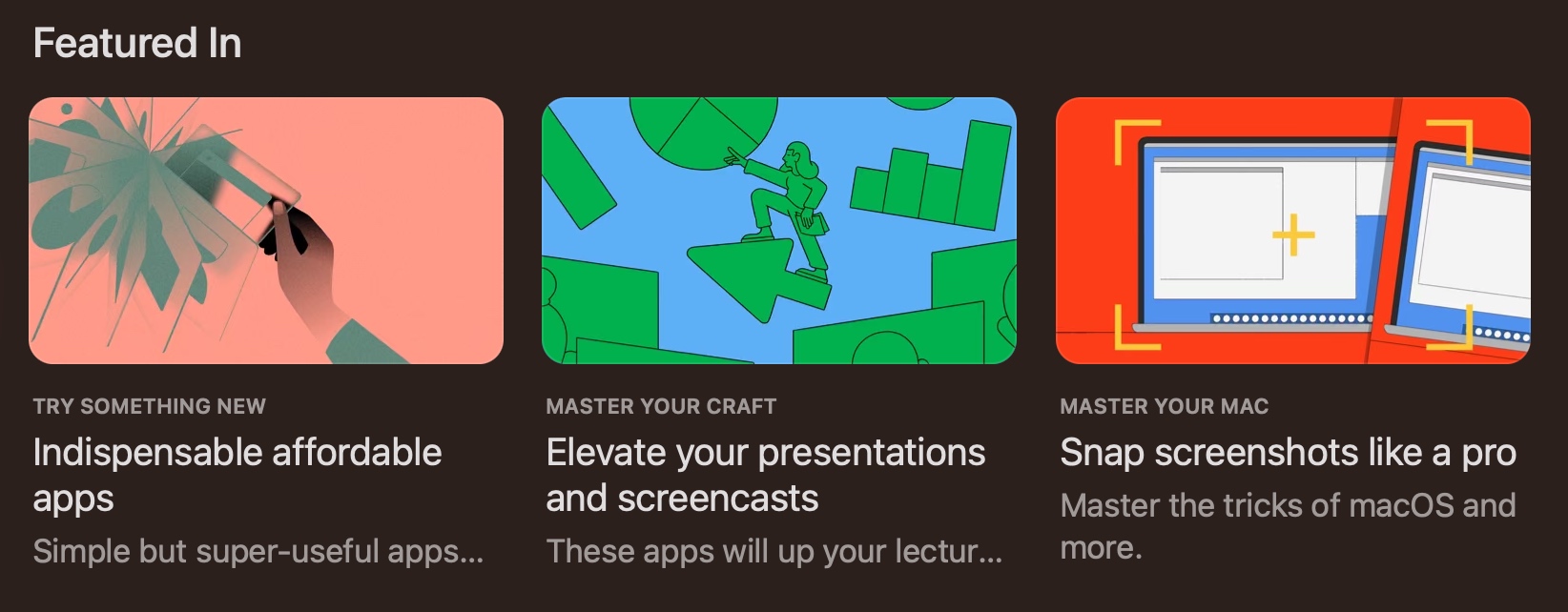
DeskMat has repeatedly been featured on the Mac App Store:
💶 “Indispensable affordable apps” (alongside Yoink)
📽️ “Elevate your presentations and screencasts”
📸 “Snap screenshots like a pro” (alongside ScreenFloat)
“Focus mode integration is excellent”
tedsvo @ Mac App Store
DeskMat is a one-time lifetime purchase on the Mac App Store or my website for currently USD 3.99 / EUR 3,99 / GBP 3.99.
There is no difference in functionality between the different versions.
As with all previous updates, v1.3.2 is completely free for existing customers.
A free, 28-day trial is available for download.
DeskMat requires macOS 13.0 Ventura or newer.
The app is currently localized in English, German, Chinese (Simplified), Dutch, French, Italian, Japanese and Spanish.
🔗 DeskMat Website + Free Trial + Direct Purchase
🖥️ DeskMat on the Mac App Store
🤩 Eternal Storms Software Productivity Bundle on the Mac App Store (includes ScreenFloat, Yoink for Mac, Transloader and DeskMat at ~20% off)
📖 Get to Know DeskMat Blog Post
A note on in-app purchases in the Mac App Store version: These are completely voluntary tips you can give me to support me and the development of my apps beyond the one-time purchase price. No additional functionality can be unlocked by giving tips. Your one-time purchase gives you to the complete functionality of DeskMat.
I hope you enjoy DeskMat (and my other apps) : )
DeskMat for Mac v1.3.1 – a utility that quickly covers your Desktop or individual files for more privacy during screen sharing, cleaner streams, and distraction-free work – fixes a bunch of bugs and makes sure it runs well on macOS 27 “Golden Gate”.
“Exactly what I needed”
Captain Muso @ Mac App Store
DeskMat helps you:
by providing a simple cover for your Desktop.
With the click of a button, all your files and folders on your Desktop disappear, and re-appear just as easily when you need them. Alternatively, select specific files or folders, or file types, that you want to hide or keep showing.
Tie the app to your Focus modes or specific apps coming to the foreground, so the cover activates and deactivates automatically.
Create workflows with Shortcuts and AppleScript.
With Control Center widgets, you can toggle the cover from anywhere.
Tip: Check out the Get to Know DeskMat Blog Post for a deep-dive into its functionality.
👉 For the full release notes, please click here 👈
“Focus mode integration is excellent”
tedsvo @ Mac App Store
DeskMat is a one-time lifetime purchase on the Mac App Store or my website for currently USD 3.99 / EUR 3,99 / GBP 3.99.
There is no difference in functionality between the different versions.
As with all previous updates, v1.3.1 is completely free for existing customers.
A free, 28-day trial is available for download.
DeskMat requires macOS 13.0 Ventura or newer.
The app is currently localized in English, German, Chinese (Simplified), Dutch, French, Italian, Japanese and Spanish.
🔗 DeskMat Website + Free Trial + Direct Purchase
🖥️ DeskMat on the Mac App Store
🤩 Eternal Storms Software Productivity Bundle on the Mac App Store (includes ScreenFloat, Yoink for Mac, Transloader and DeskMat at ~20% off)
📖 Get to Know DeskMat Blog Post
A note on in-app purchases in the Mac App Store and direct purchase versions: These are completely voluntary tips you can give me to support me and the development of my apps beyond the one-time purchase price. No additional functionality can be unlocked by giving tips. Your one-time purchase gives you to the complete functionality of DeskMat.
I hope you enjoy DeskMat (and my other apps) : )
DeskMat for Mac v1.3 – a utility that quickly covers your Desktop for more privacy during screen sharing, cleaner streams, and distraction-free work – now has the ability to not only cover your entire Desktop, but also just individual files and folders. It is now also fully scriptable with AppleScript.
“Exactly what I needed”
Captain Muso @ Mac App Store
DeskMat helps you:
by providing a simple cover for your Desktop.
With the click of a button, all your files and folders on your Desktop disappear, and re-appear just as easily when you need them.
Tie the app to your Focus modes or specific apps coming to the foreground, so the cover activates and deactivates automatically.
Create workflows with Shortcuts and AppleScript.
With Control Center widgets, you can toggle the cover from anywhere.
Tip: Check out the Get to Know DeskMat Blog Post for a deep-dive into its functionality.
👉 For the full release notes, please click here 👈
“Focus mode integration is excellent”
tedsvo @ Mac App Store
DeskMat is a one-time lifetime purchase on the Mac App Store or my website for currently USD 3.99 / EUR 3,99 / GBP 3.99.
There is no difference in functionality between the different versions.
As with all previous updates, v1.3 is completely free for existing customers.
A free, 28-day trial is available for download.
DeskMat requires macOS 13.0 Ventura or newer.
The app is currently localized in English, German, Chinese (Simplified), Dutch, French, Italian, Japanese and Spanish.
🔗 DeskMat Website + Free Trial + Direct Purchase
🖥️ DeskMat on the Mac App Store
🤩 Eternal Storms Software Productivity Bundle on the Mac App Store (includes ScreenFloat, Yoink for Mac, Transloader and DeskMat at ~20% off)
📖 Get to Know DeskMat Blog Post
A note on in-app purchases in the Mac App Store version: These are completely voluntary tips you can give me to support me and the development of my apps beyond the one-time purchase price. No additional functionality can be unlocked by giving tips. Your one-time purchase gives you to the complete functionality of DeskMat.
I hope you enjoy DeskMat (and my other apps) : )